
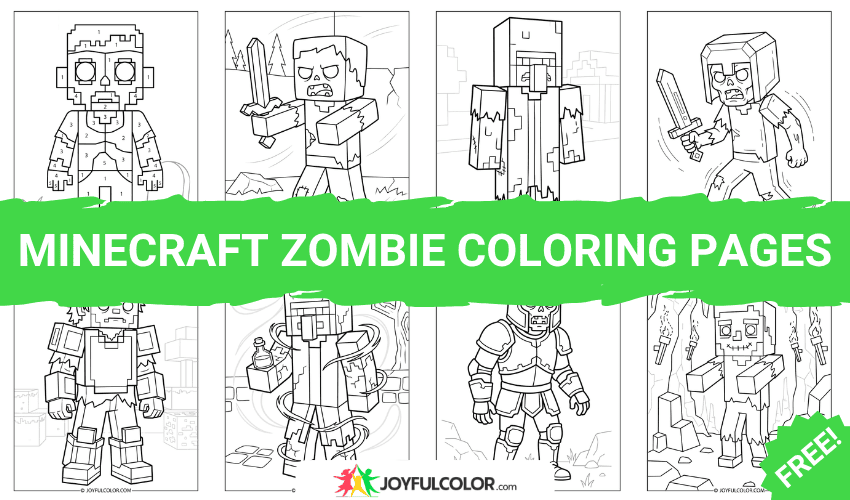
45+ Minecraft Zombie Coloring Pages – FREE Printable!

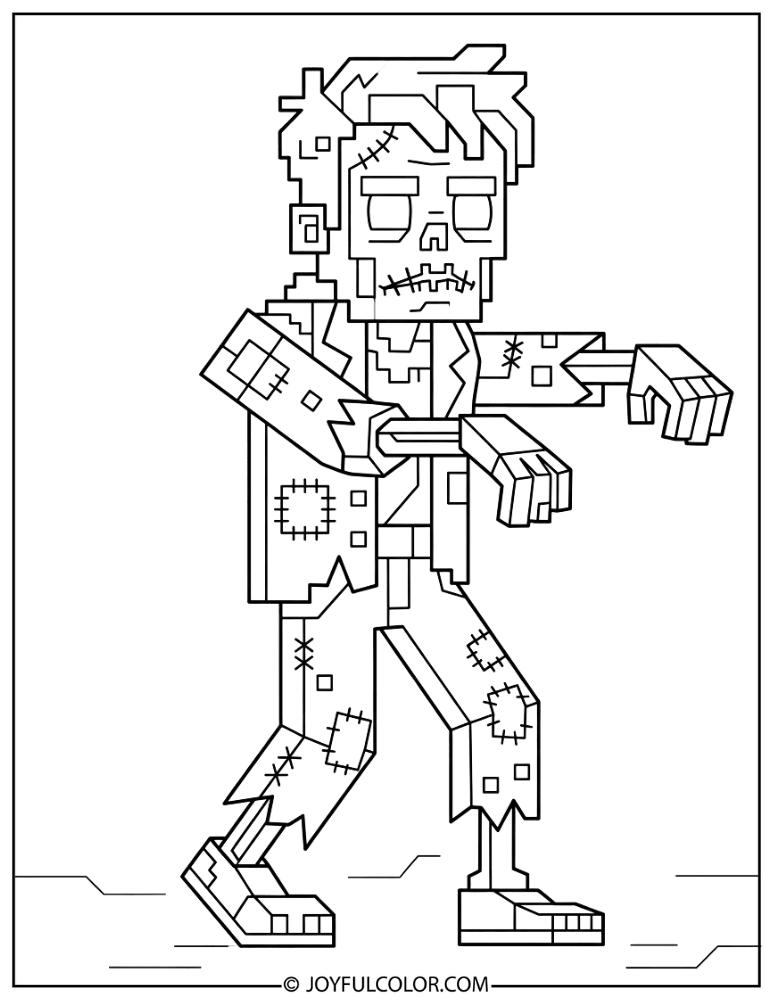
Ready to bring Minecraft’s most iconic undead mob to life with our minecraft zombie coloring pages? The Minecraft Zombie is instantly recognizable with its green decaying skin, tattered blue clothing, and dark hollow eyes lurching forward in the night. 🧟♂️
This completely free printable collection features over 45 coloring sheets, including classic zombie poses, fast baby zombies, and clever zombie villagers! You’ll also find fun variants like the underwater drowned, desert husks, chicken jockeys, and detailed designs perfect for adults.
Grab your favorite shades of green and blue, because it’s coloring time! 🖍️
Popular Minecraft Zombie Coloring Pages
The Minecraft Zombie is one of the game’s most common and famous hostile mobs. It’s an undead creature that shambles through the darkness wearing Steve’s exact outfit, but with sickly green skin and hollow, menacing eyes.
Its simple blocky shape, paired with tattered clothing details, makes it an ideal subject for Minecraft coloring pages across every age group. Get ready to explore all the fun variations of this classic enemy!
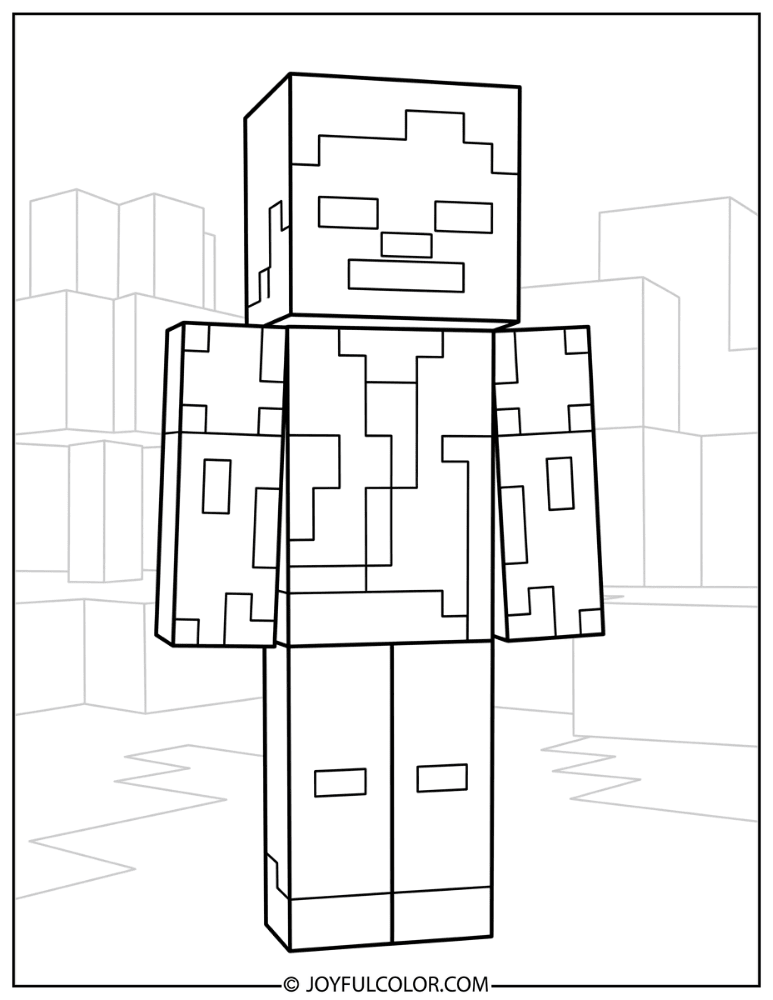
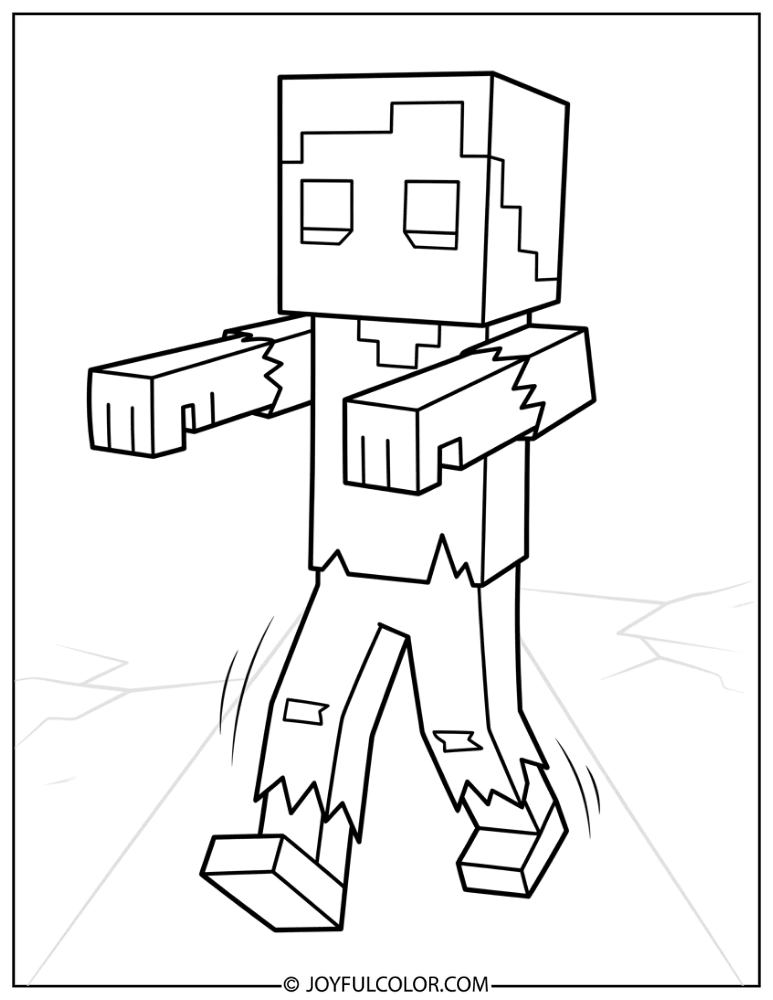
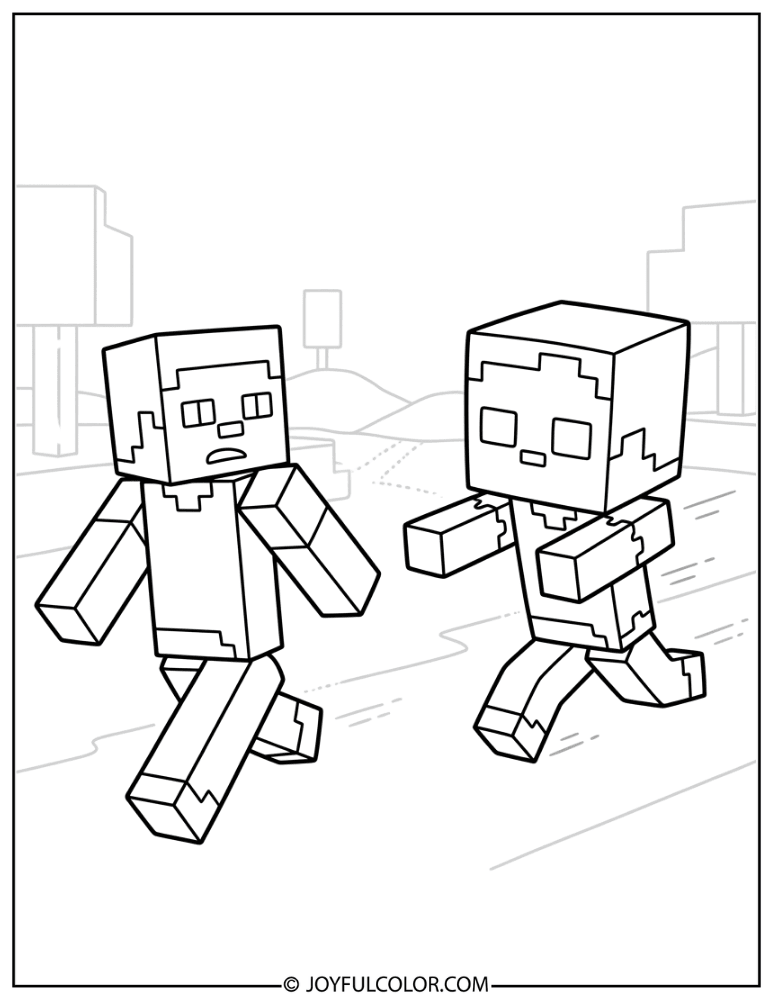
Classic Minecraft Zombie Coloring Pages
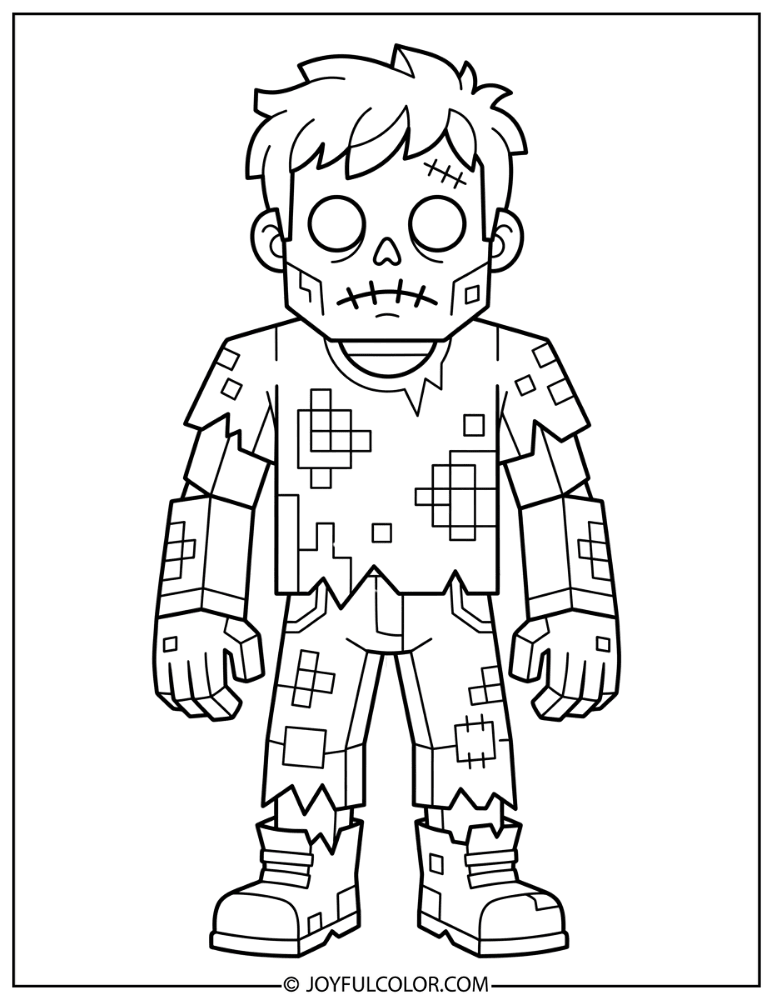
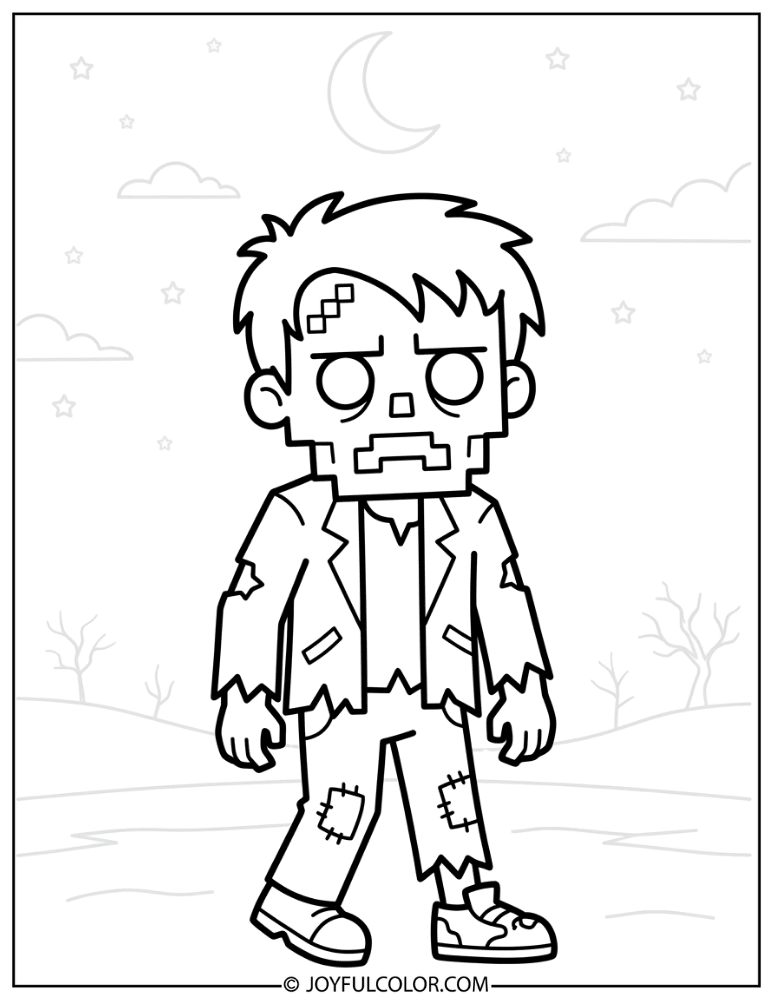
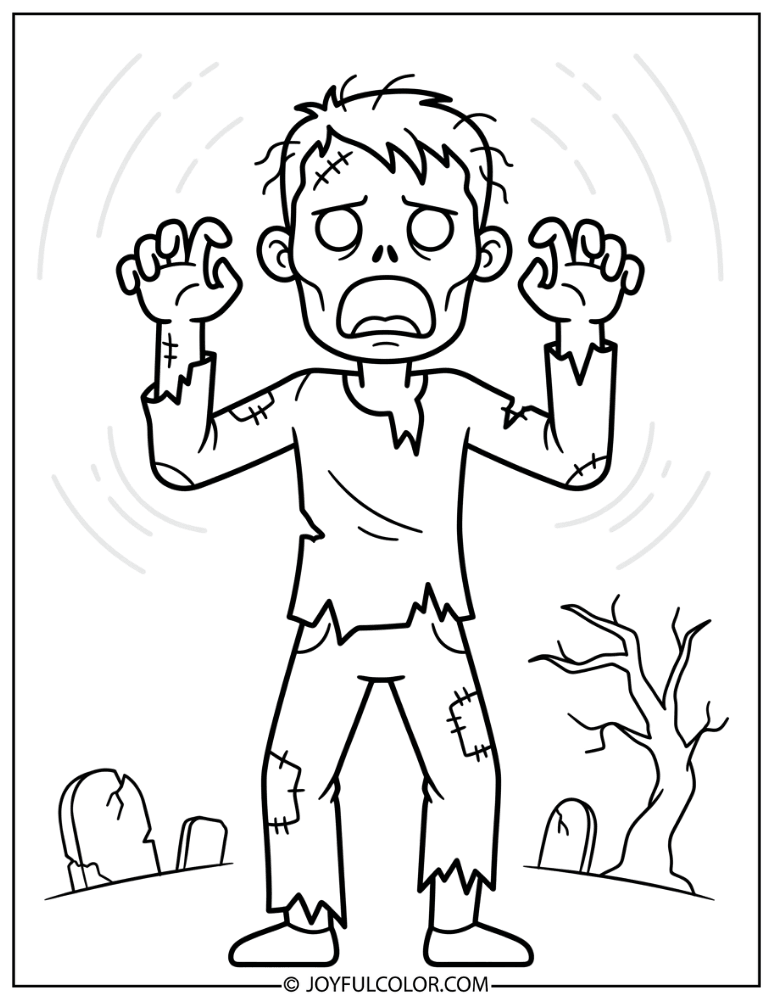
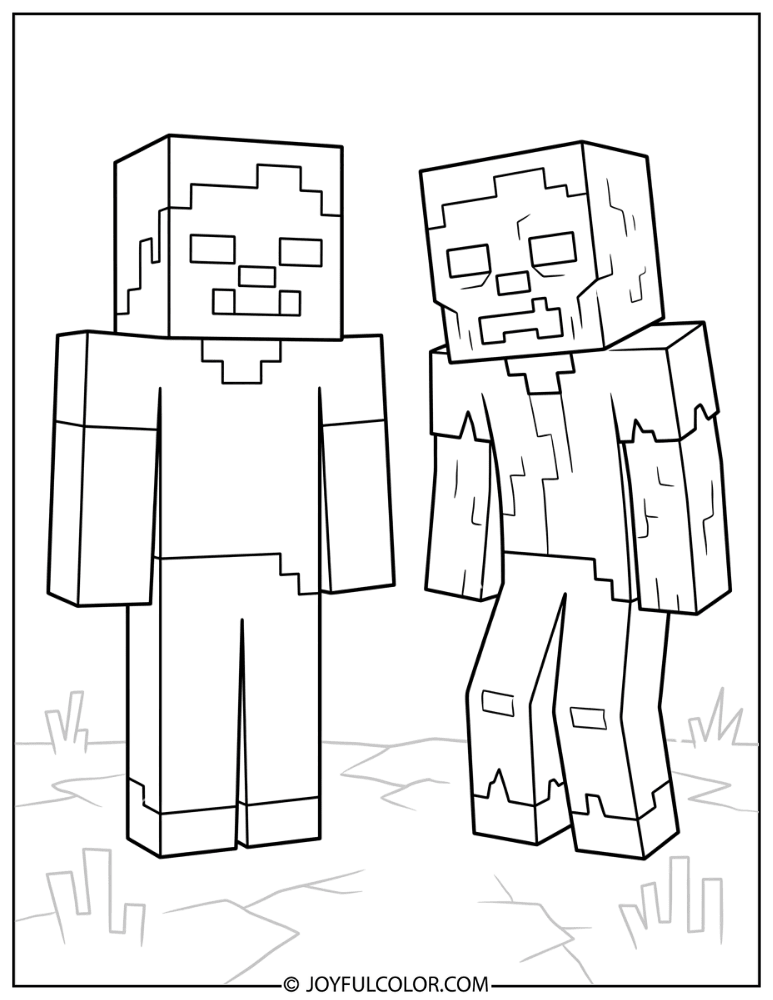
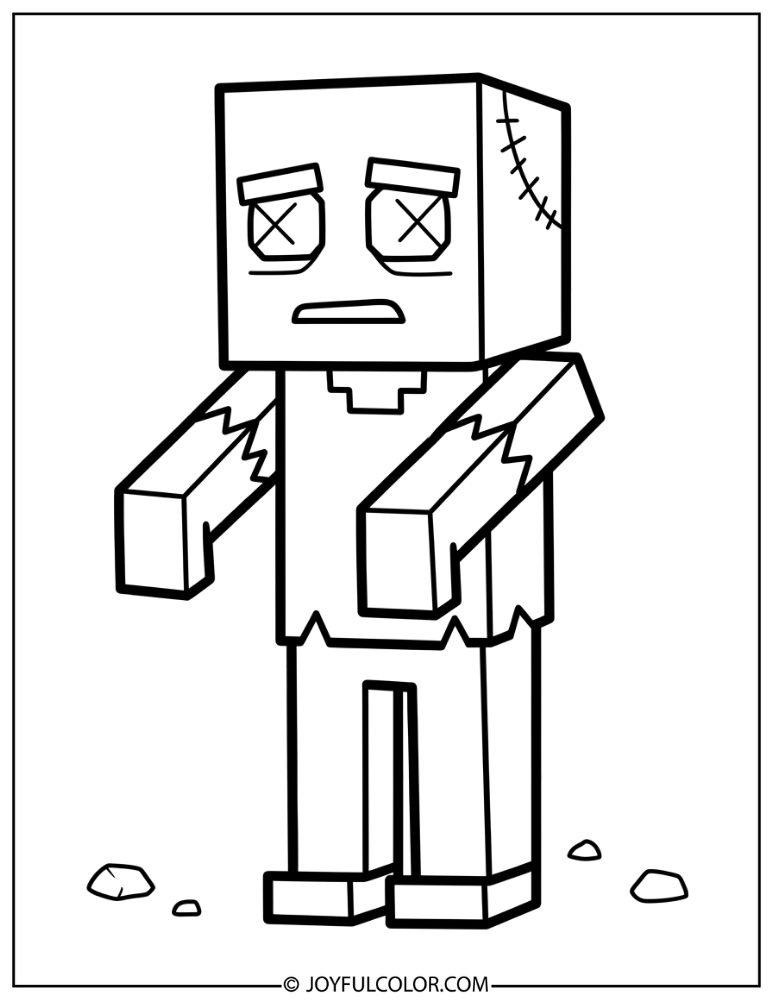
These pages feature the standard Minecraft Zombie in classic standing and walking poses. They showcase the quintessential undead mob every player recognizes on sight!
Use plenty of dark olive greens and faded teals to bring these classic foes to life. Watch out, they might start groaning for brains!
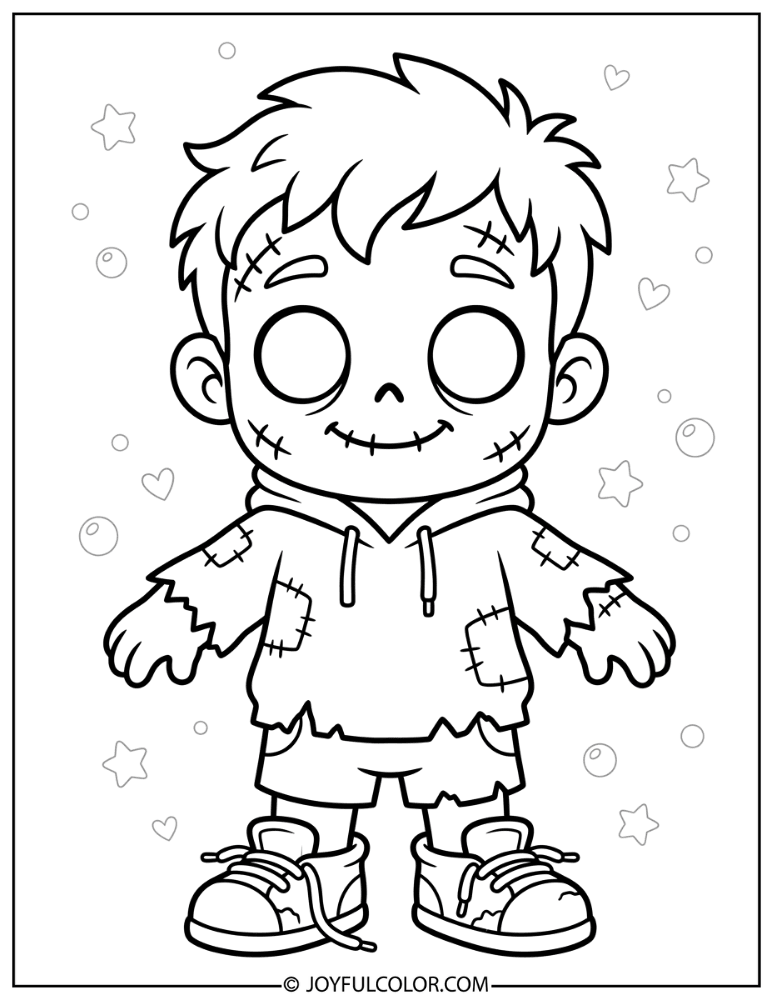
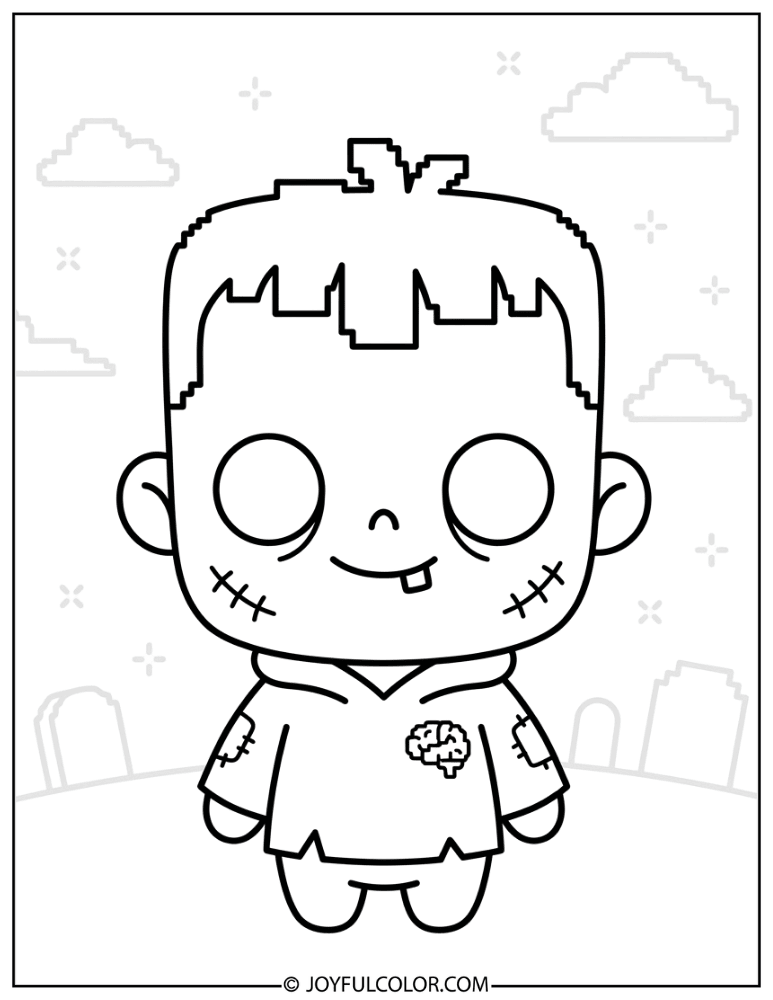
Baby Zombie Coloring Pages
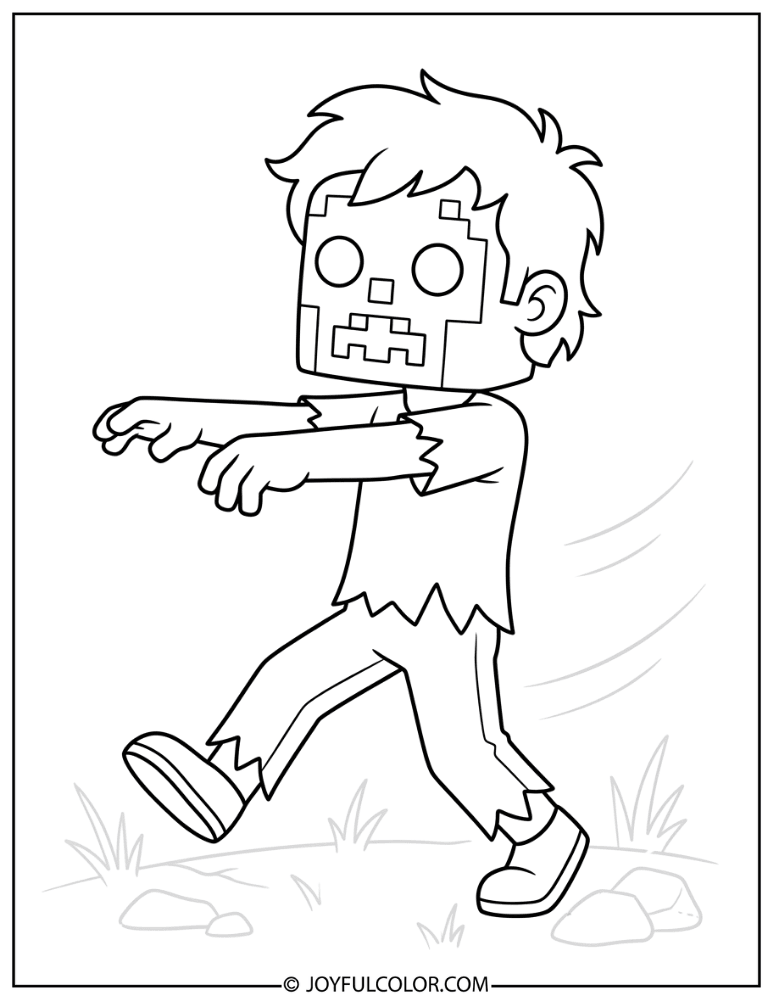
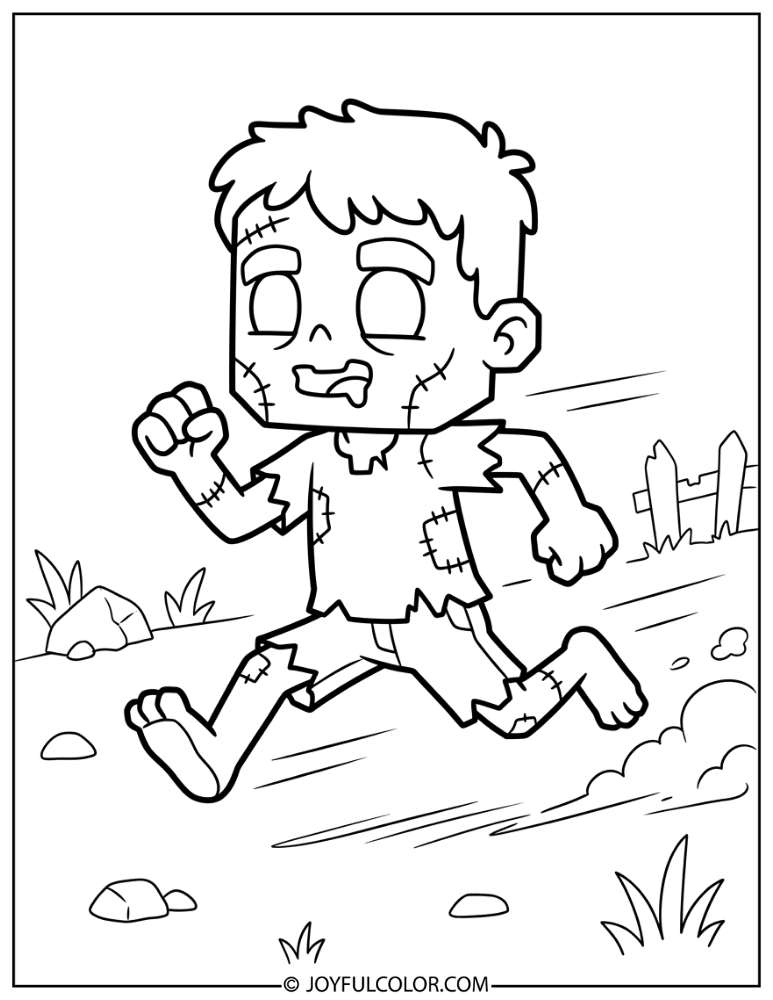
Tiny, fast, and terrifyingly cute, baby zombies are smaller versions of the regular zombie mob. They have an oversized head, high-pitched groans, and speed that catches every player off guard!
These little runners might be small, but they pack a huge punch. Have fun coloring these speedy troublemakers.
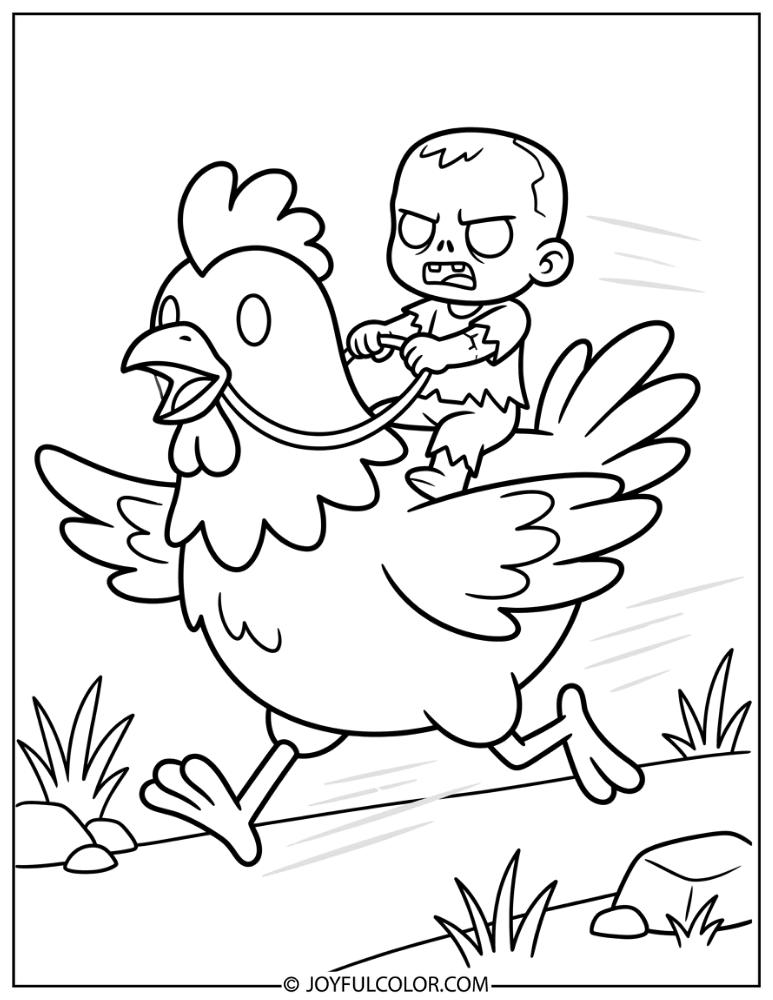
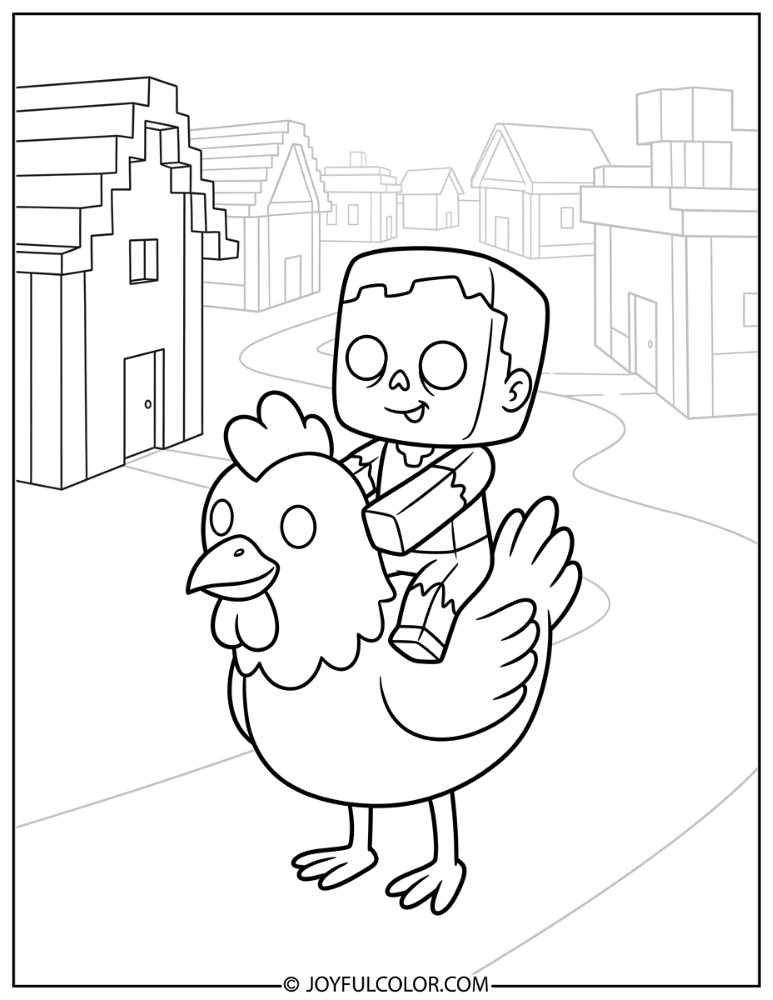
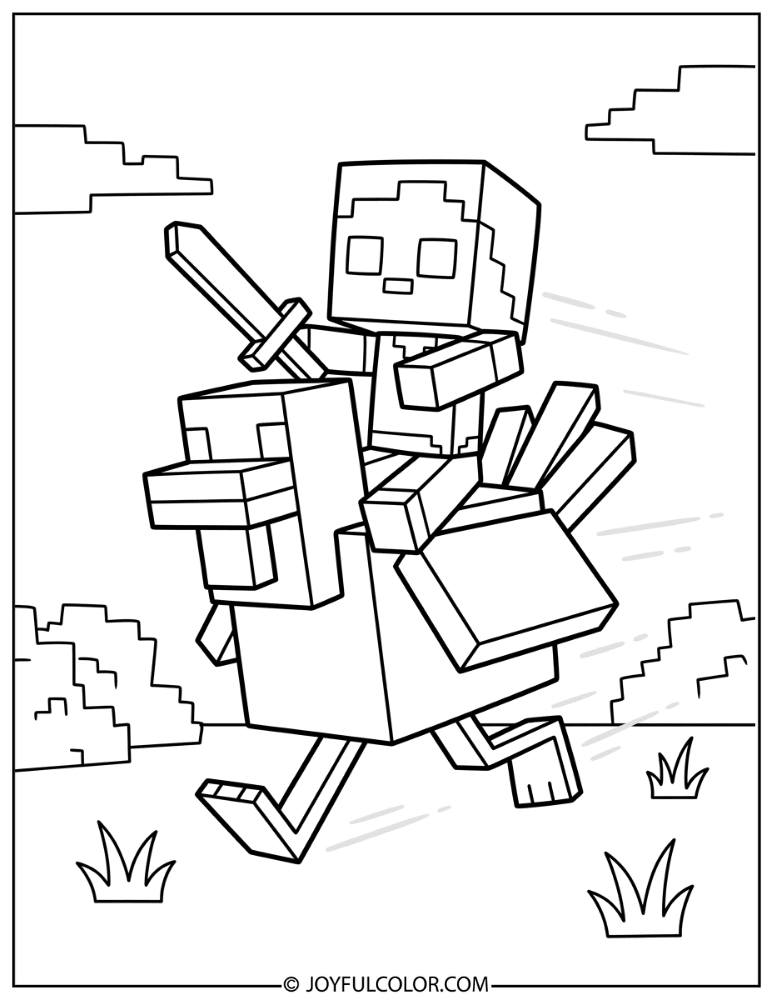
Chicken Jockey Coloring Pages
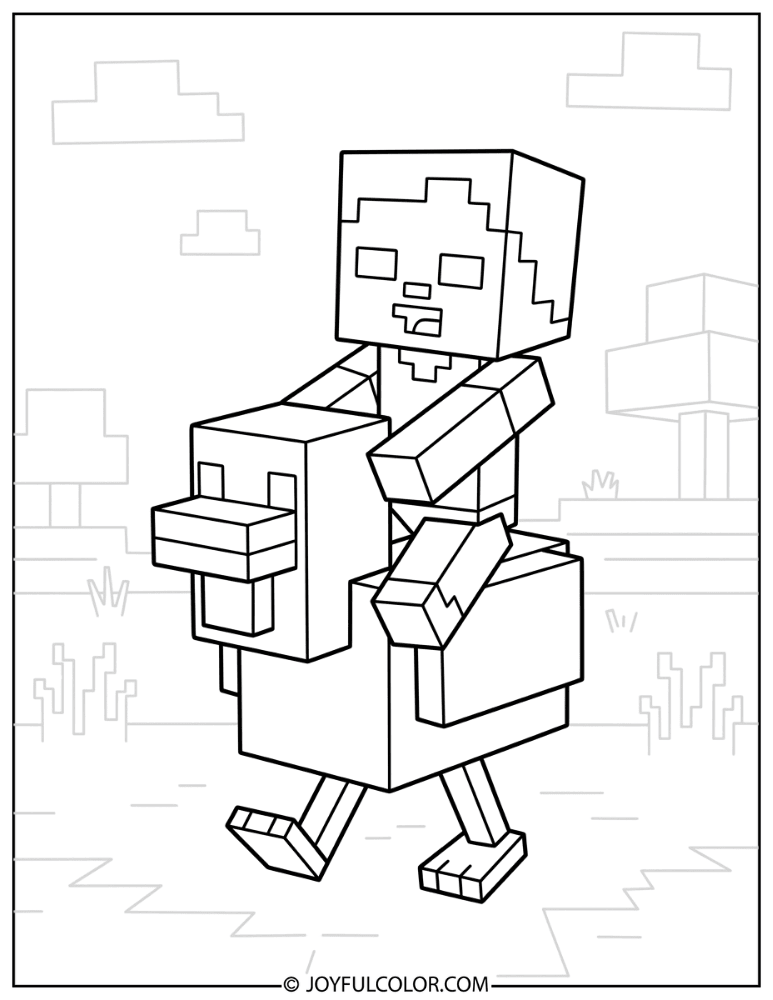
This is one of Minecraft’s funniest and most terrifying sights! A baby zombie riding a chicken at full gallop combines absurd cuteness with genuine danger in the game.
Get your white and yellow crayons ready for the chicken, and mix them with your zombie greens! It’s a hilarious combo you’ll love to color.
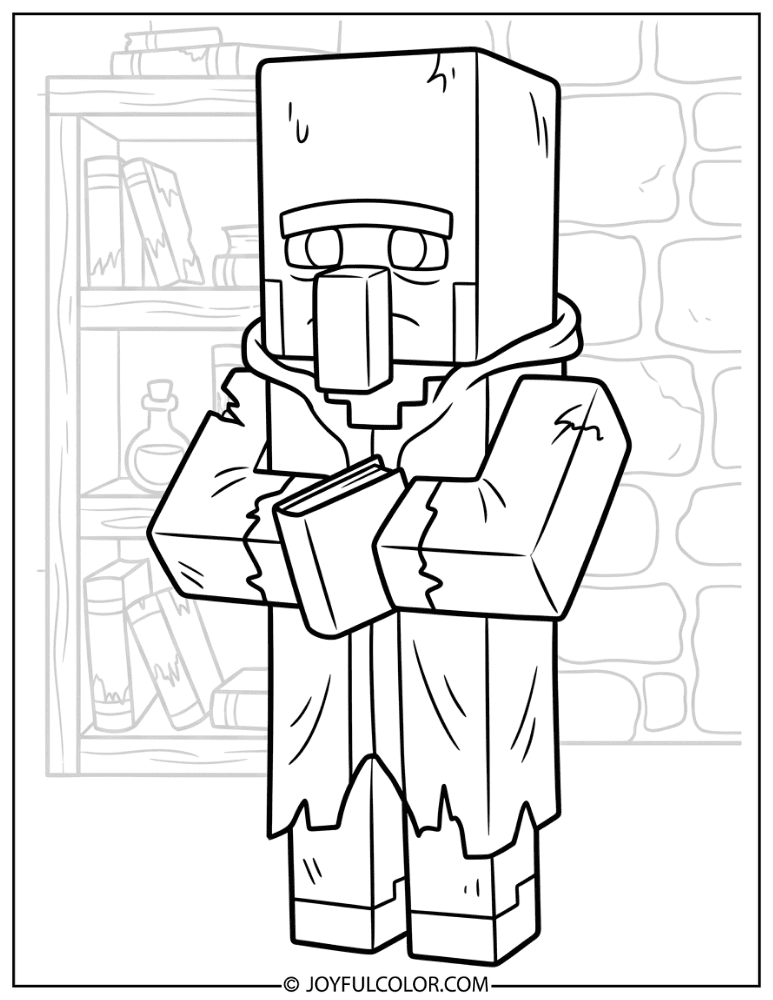
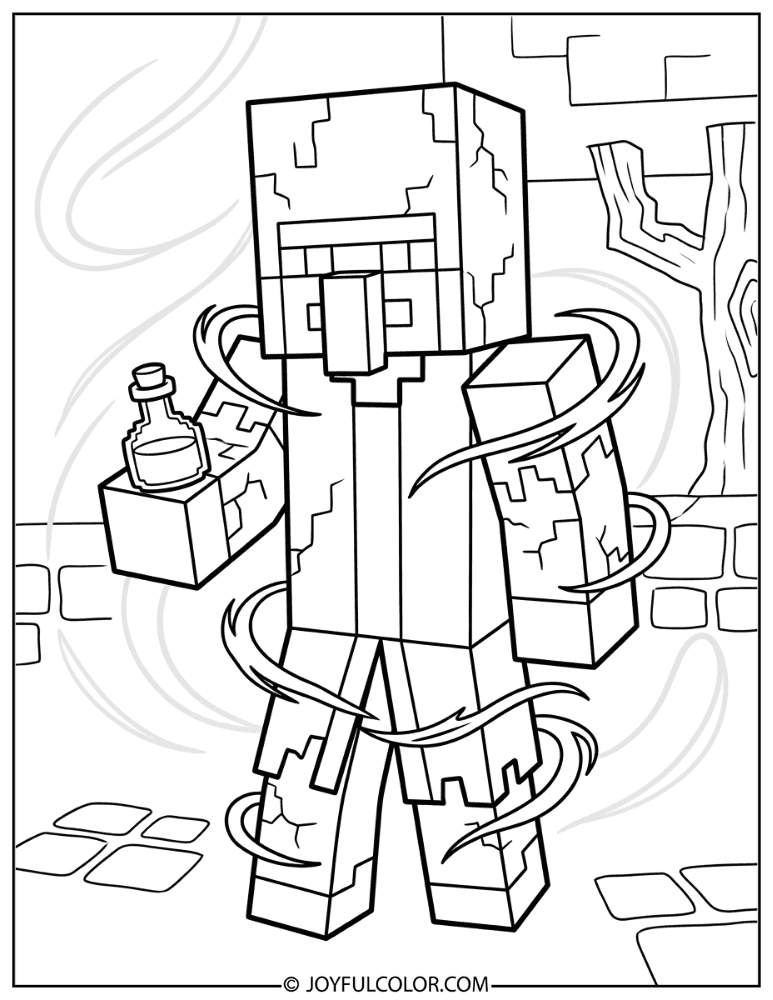
Zombie Villager Coloring Pages
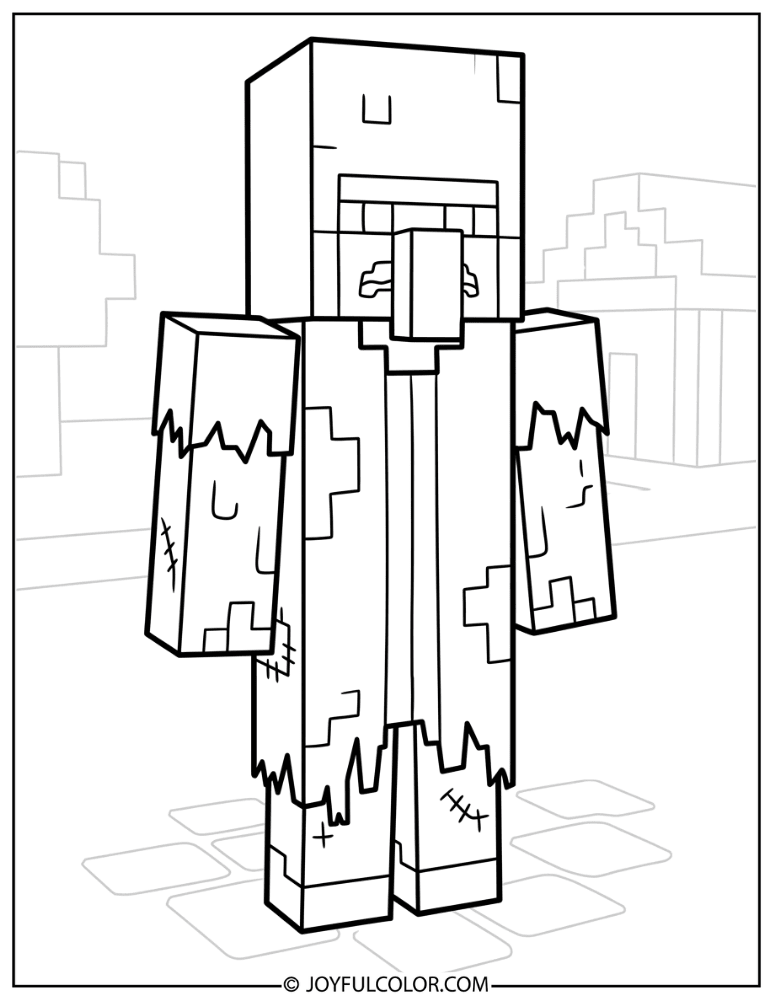
Zombie Villagers retain their fun profession outfits, like the farmer, librarian, or cleric. However, their clothes are now tattered and torn, paired with that classic green undead skin!
Don’t forget, these poor mobs can actually be cured back into regular villagers. Which profession is your favorite to color?
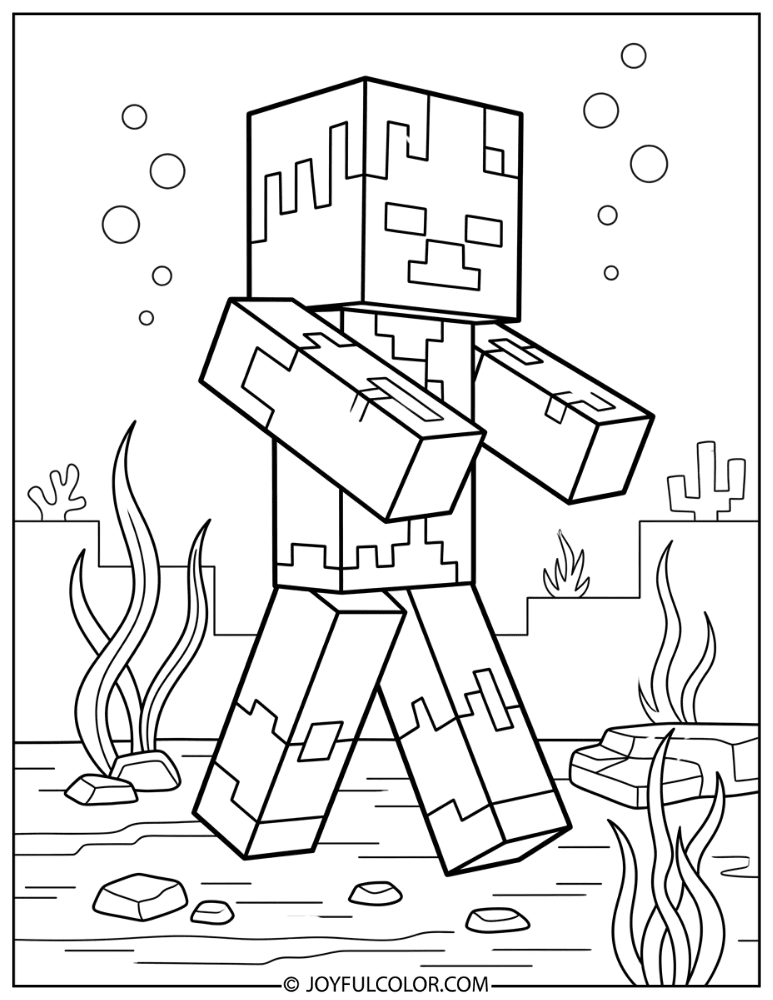
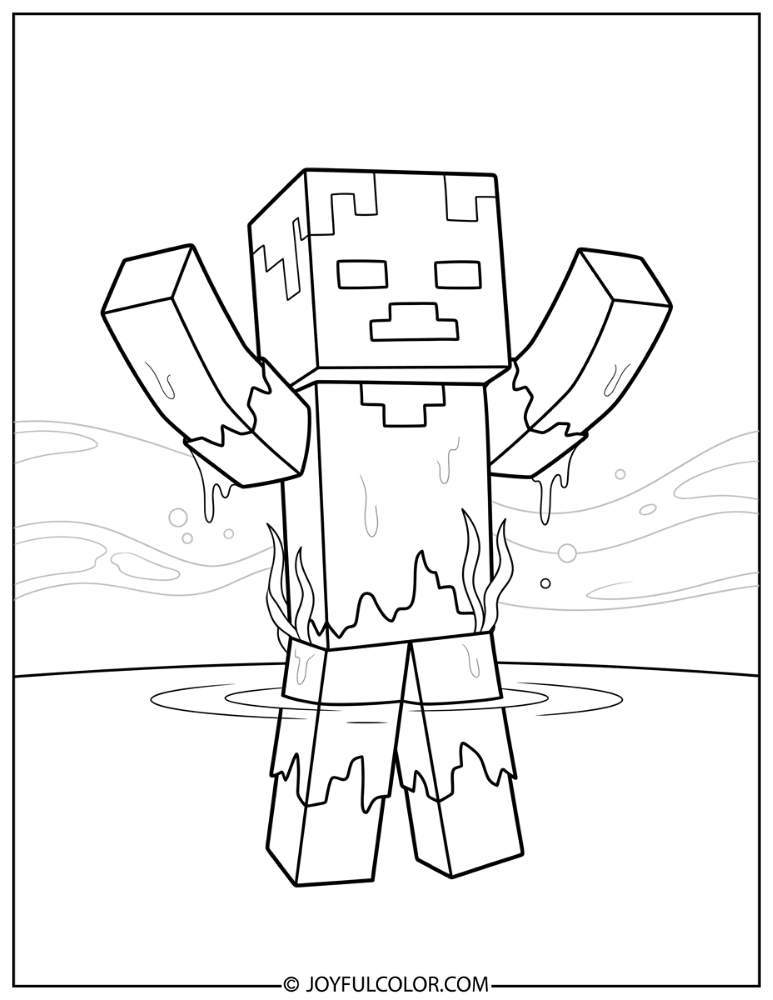
Drowned Zombie Coloring Pages
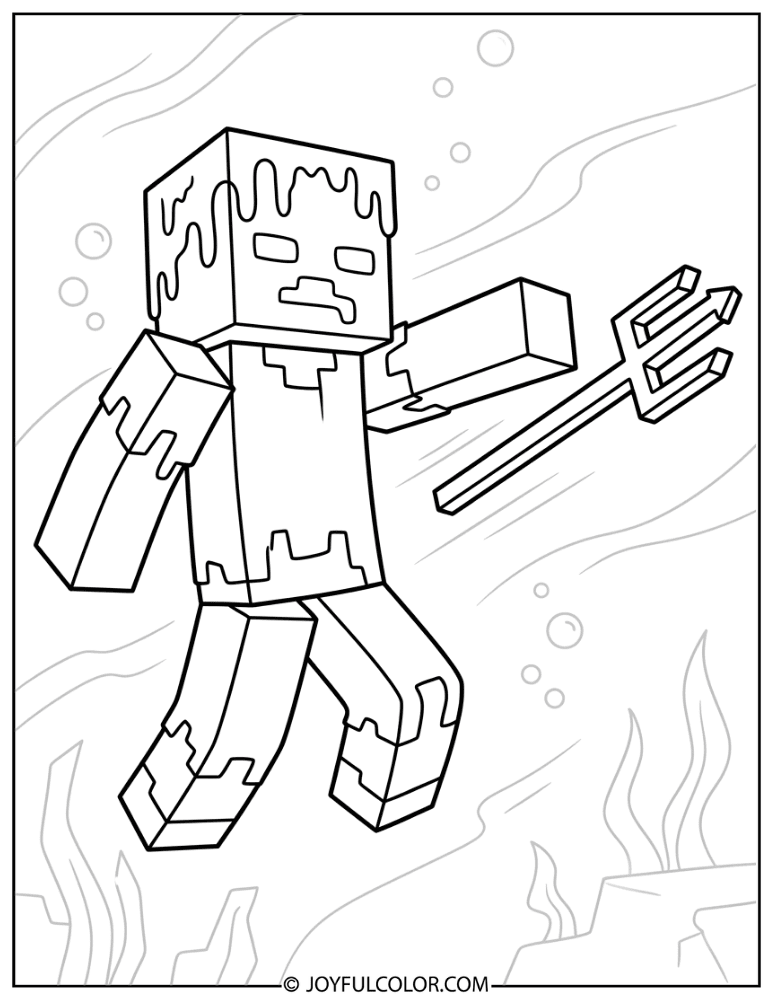
The Drowned is the spooky aquatic variant of the zombie! This blue-green waterlogged undead mob is found in oceans and rivers, often armed with a dangerous trident.
Its seaweed-draped body and eerie underwater glow make it a highly unique coloring challenge for fans.
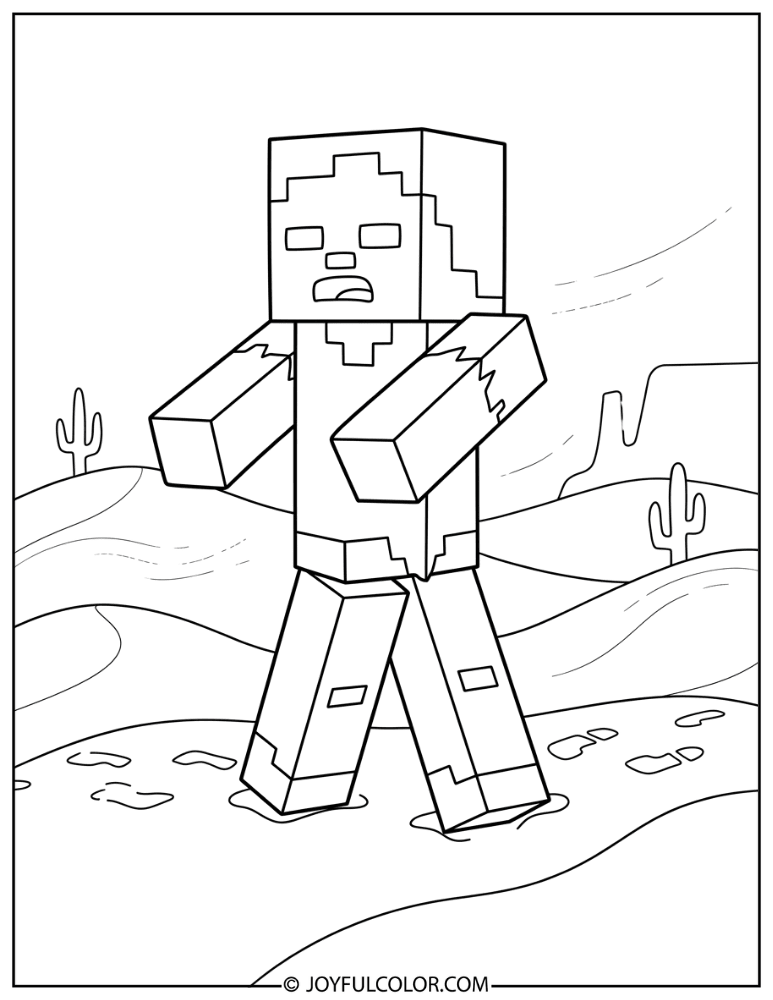
Husk Zombie Coloring Pages
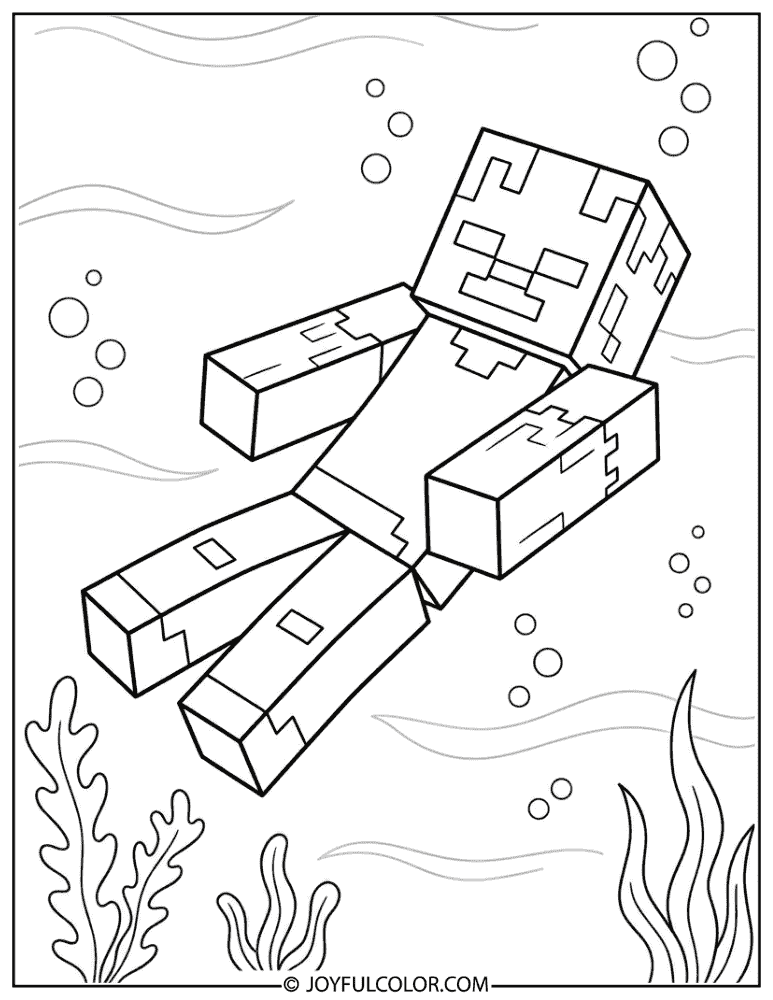
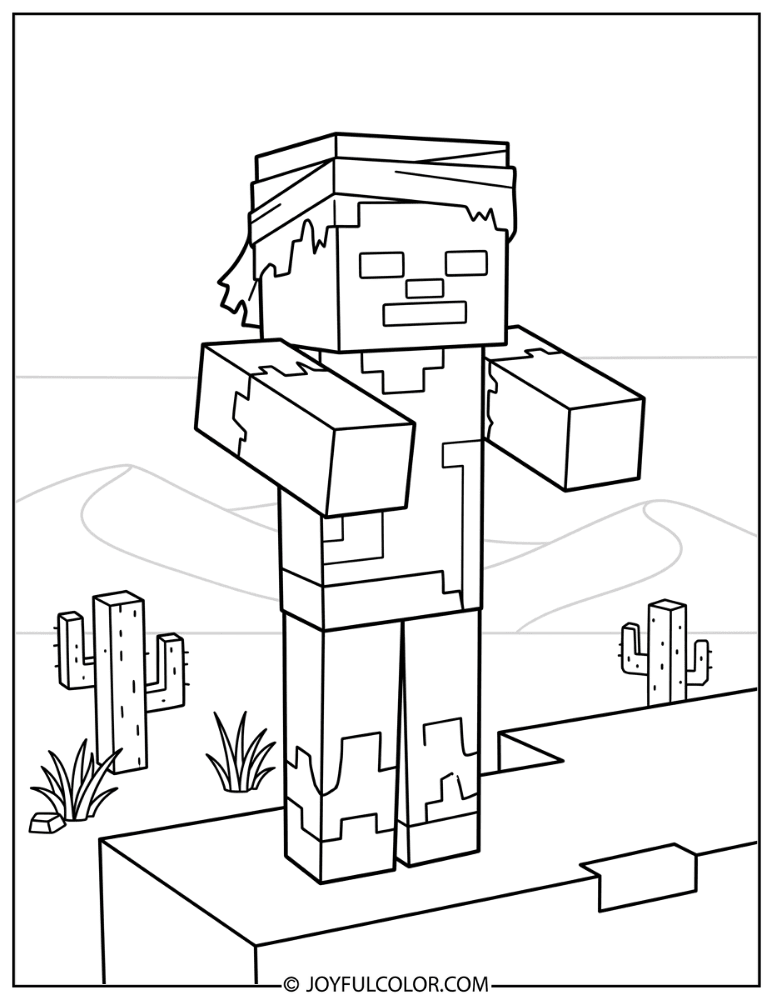
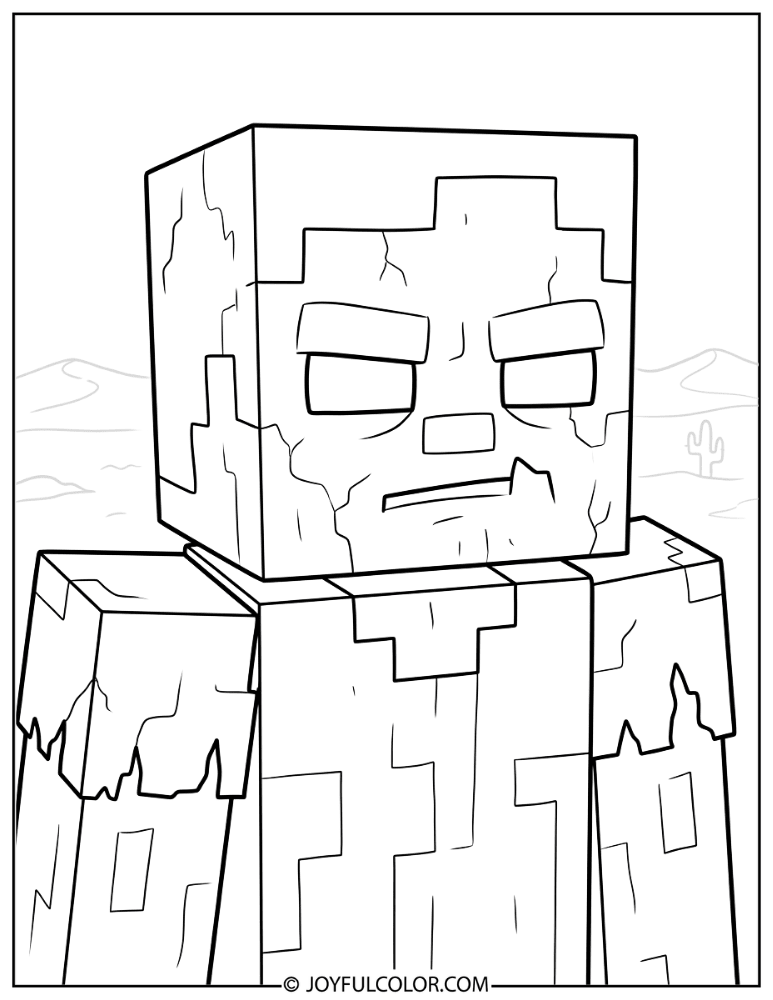
The Husk is the tough desert variant of the zombie mob. It features dried-out tan skin and tattered brownish clothes to blend into the sand dunes!
Unlike regular zombies, husks don’t burn in sunlight. Grab your earth tones and yellows to color these sun-bleached wanderers.
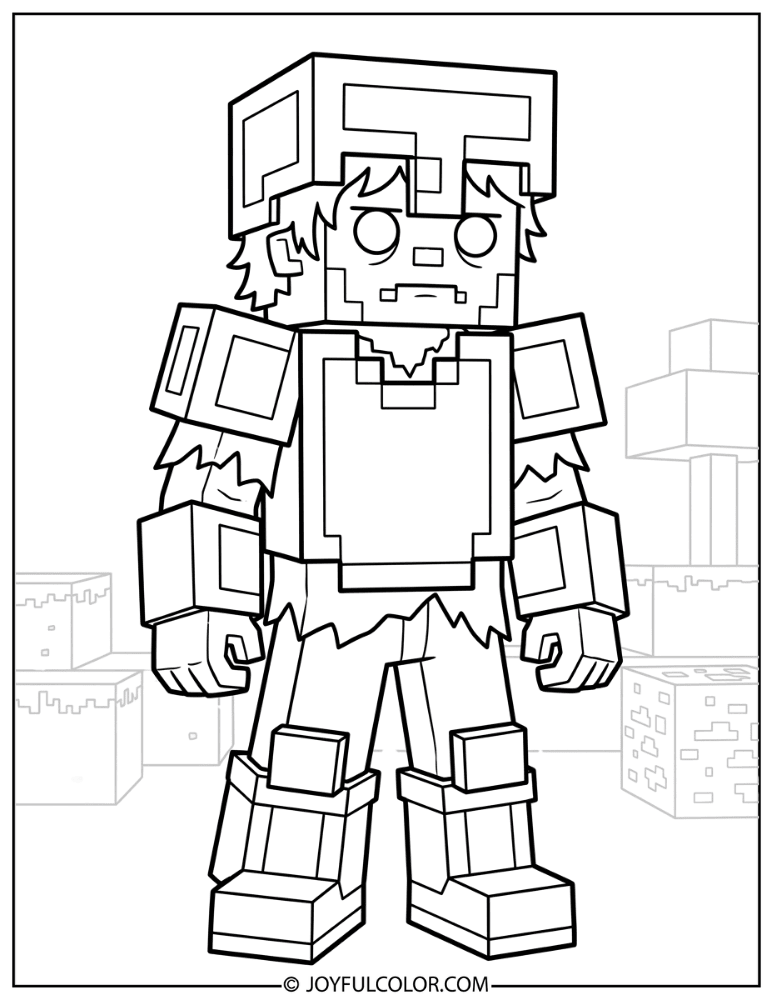
Armored Zombie Coloring Pages
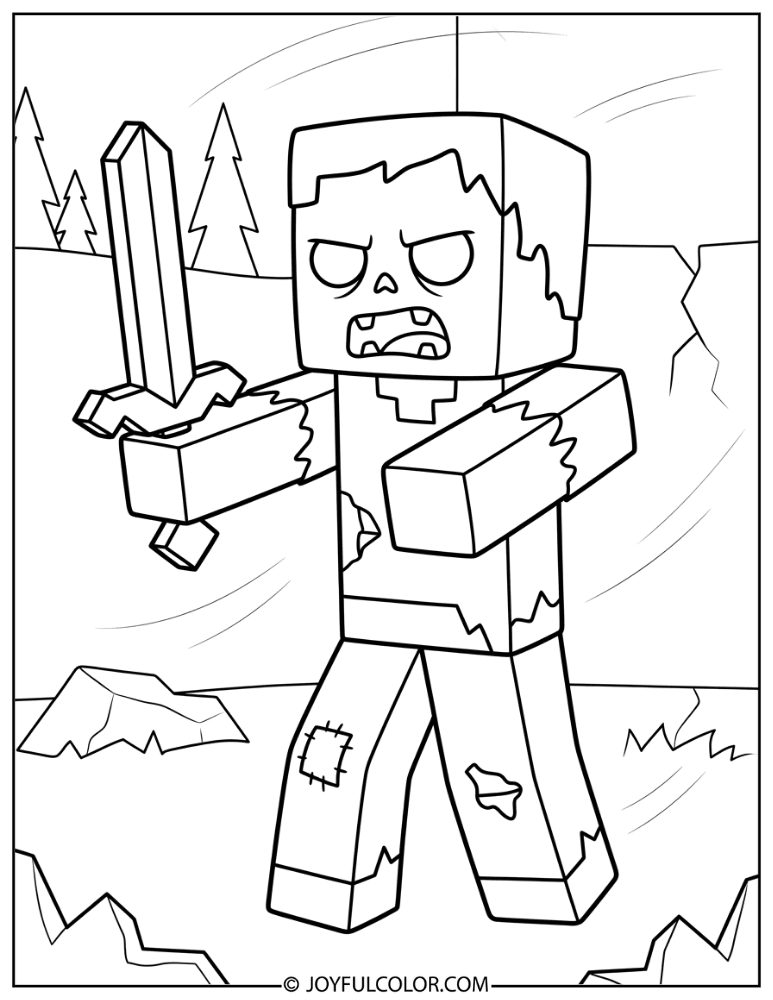
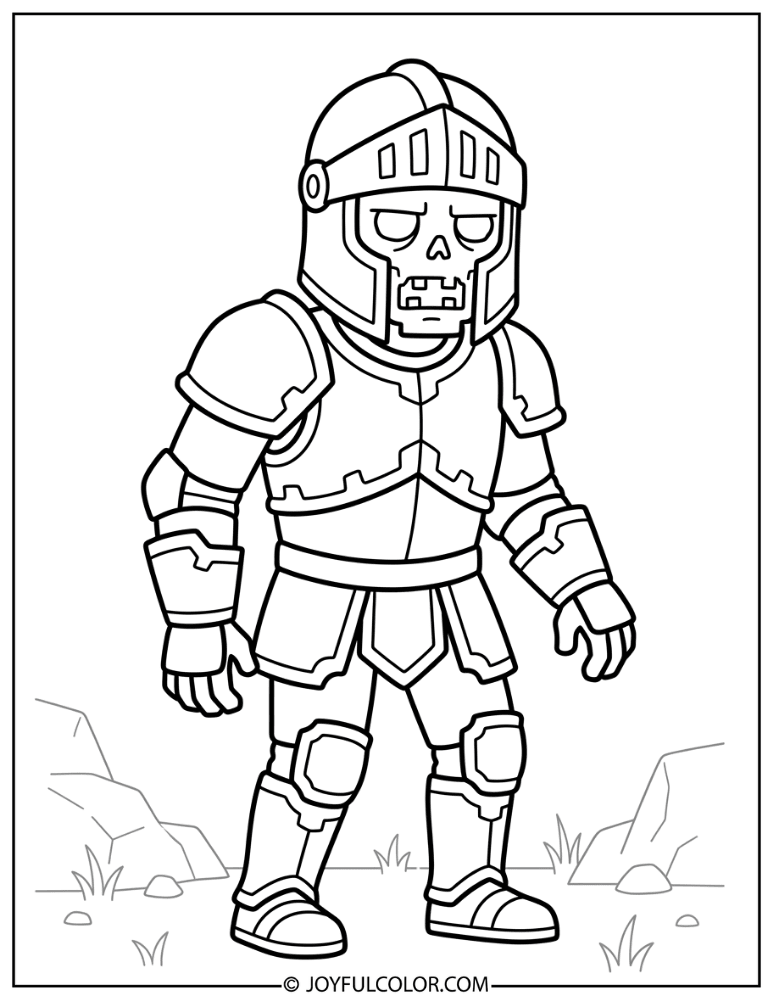
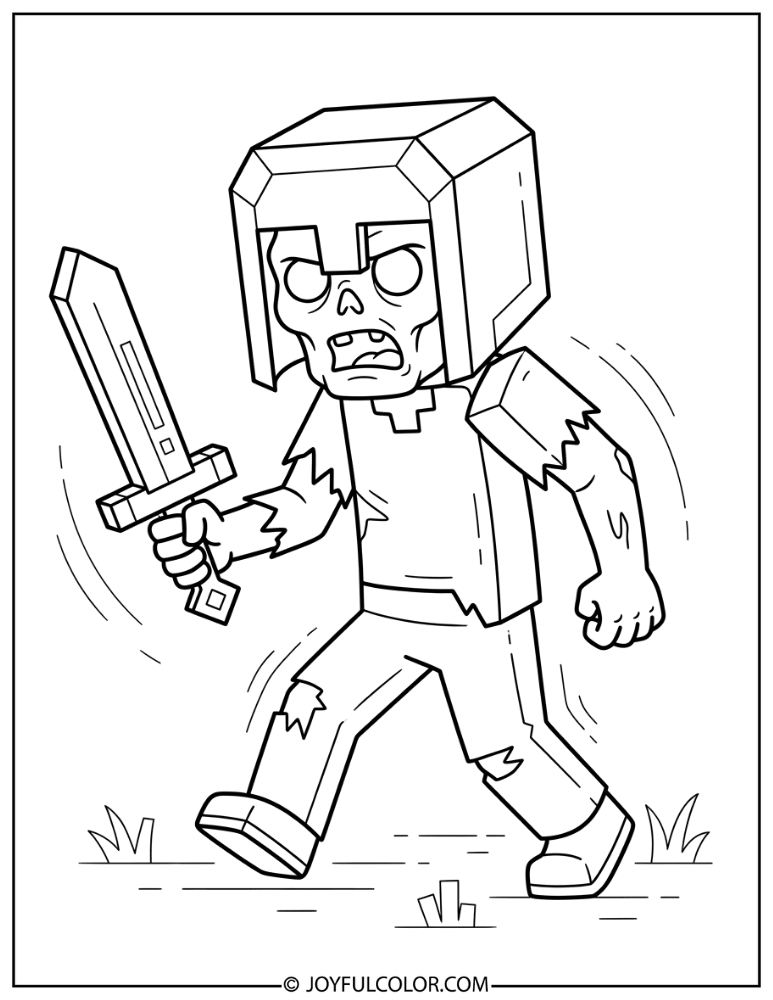
Sometimes zombies spawn wearing iron, gold, chain, or even rare diamond armor! They might also be wielding shiny swords or shovels to challenge players.
These geared-up enemies are significantly tougher to beat. Adding metallic grays, bright yellows, and shiny blues makes them super visually impressive to color.
Minecraft Zombie and Creeper Coloring Pages
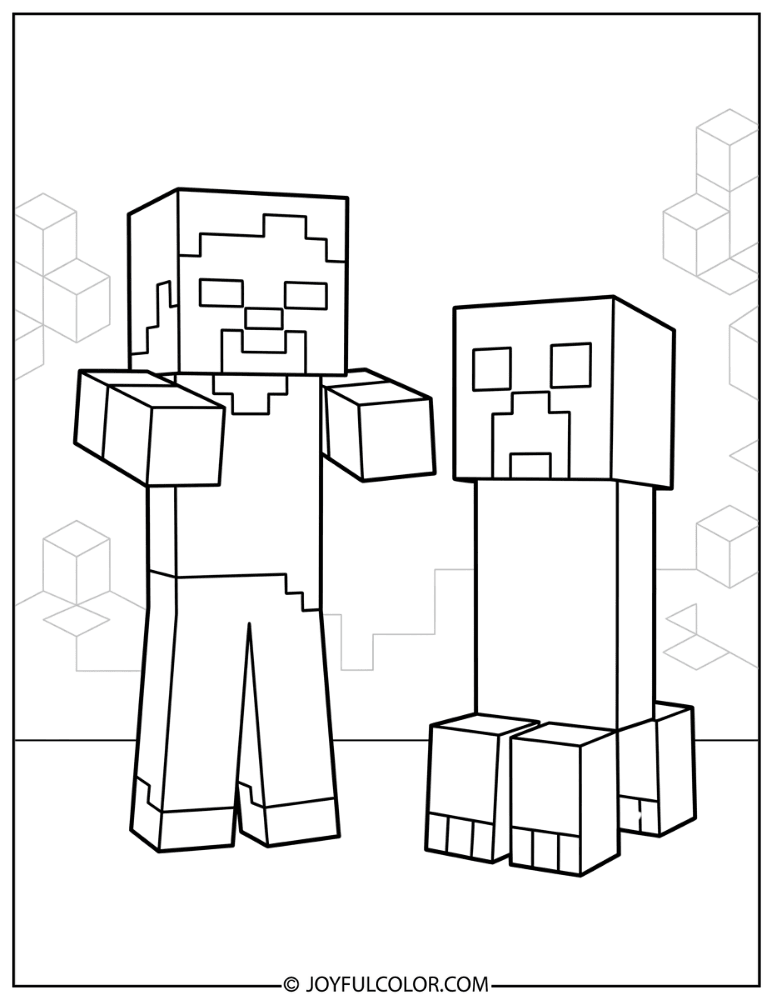
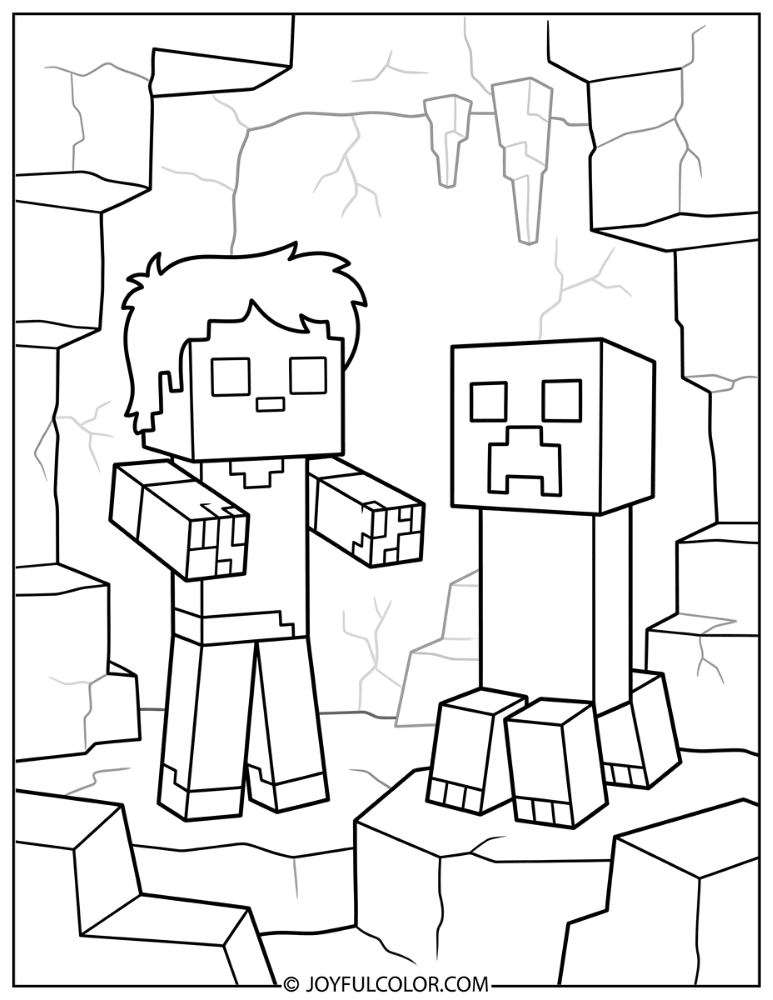
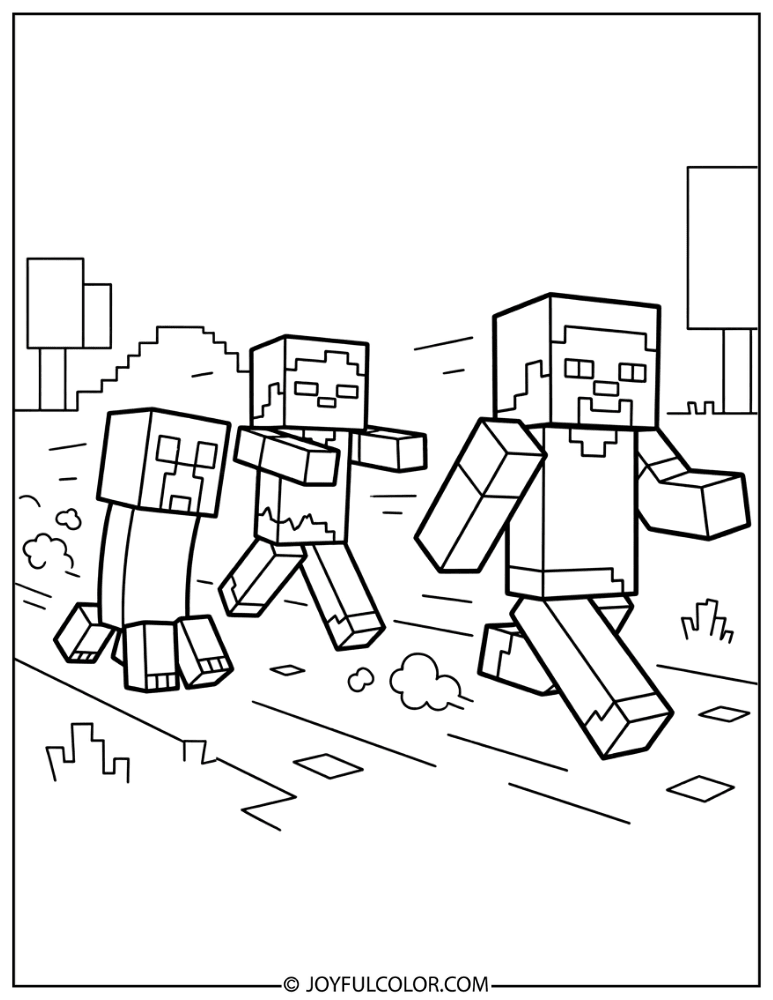
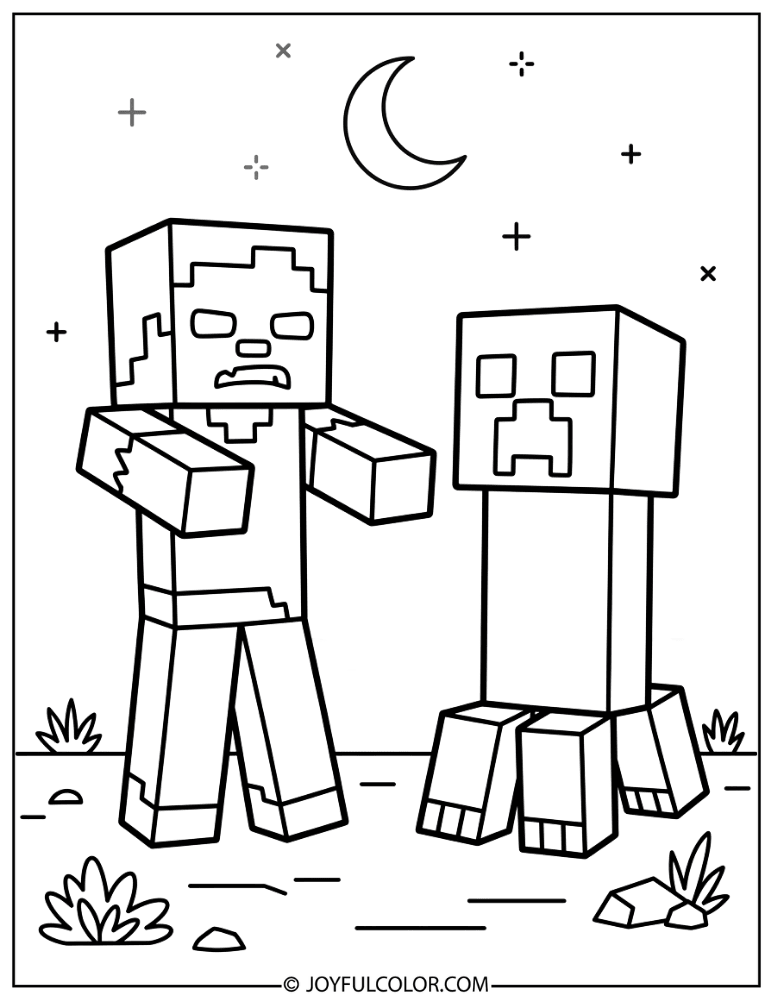
Minecraft’s two most famous hostile mobs are joining forces! You can color the Zombie and the explosive Creeper standing side by side in action-packed scenes.
Every fan will love blending multiple shades of green to bring this iconic duo to life. Which one are you more afraid of encountering at night?
Zombie Mob Group Coloring Pages
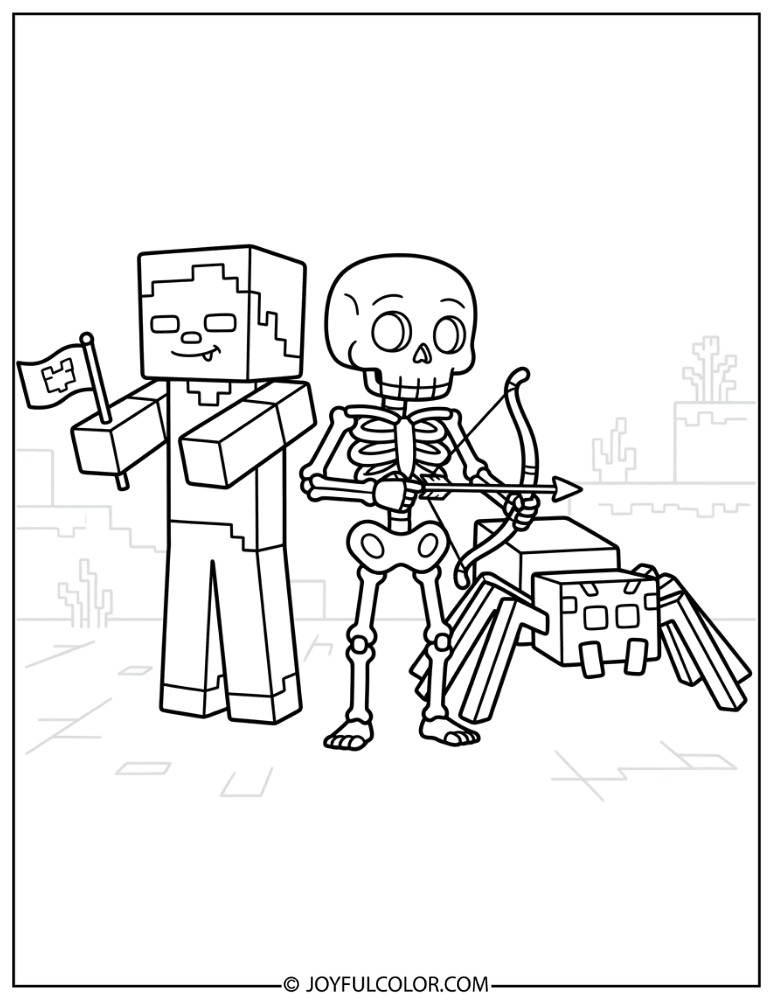
Find zombies alongside other iconic Minecraft mobs like Skeletons, Spiders, and Endermen in these massive group scenes! They are perfect for fans who love the full hostile mob lineup.
If you love collecting different kinds of creatures on paper, you should also check out our awesome Pokemon coloring pages! Grab a giant box of colors for these detailed mob group scenes.
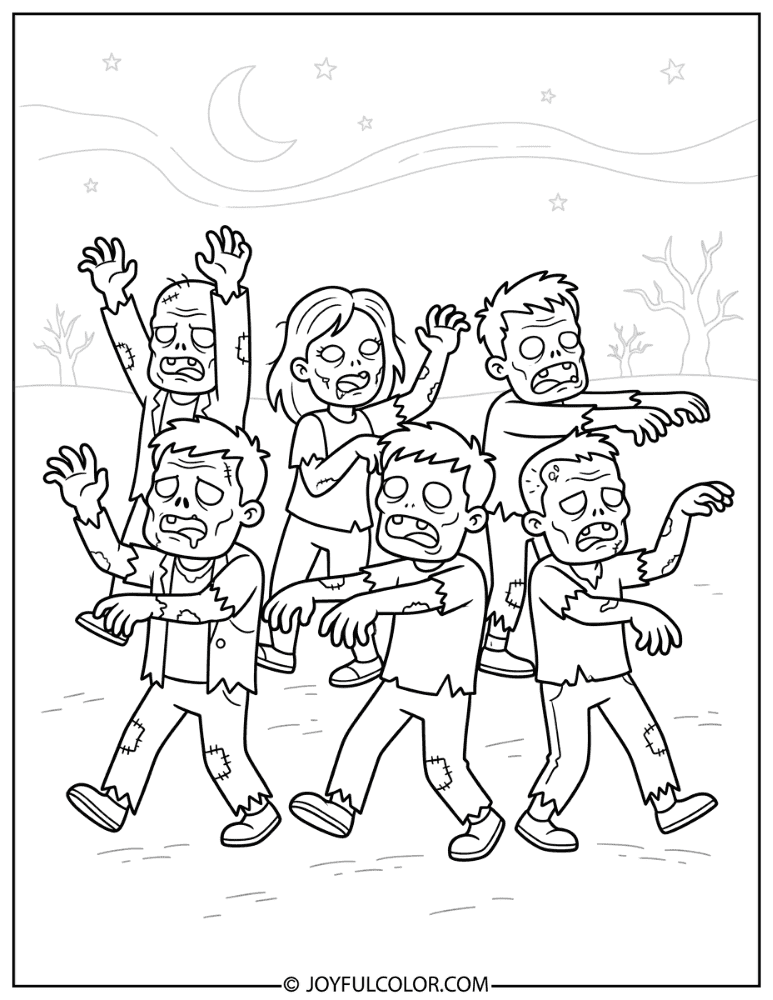
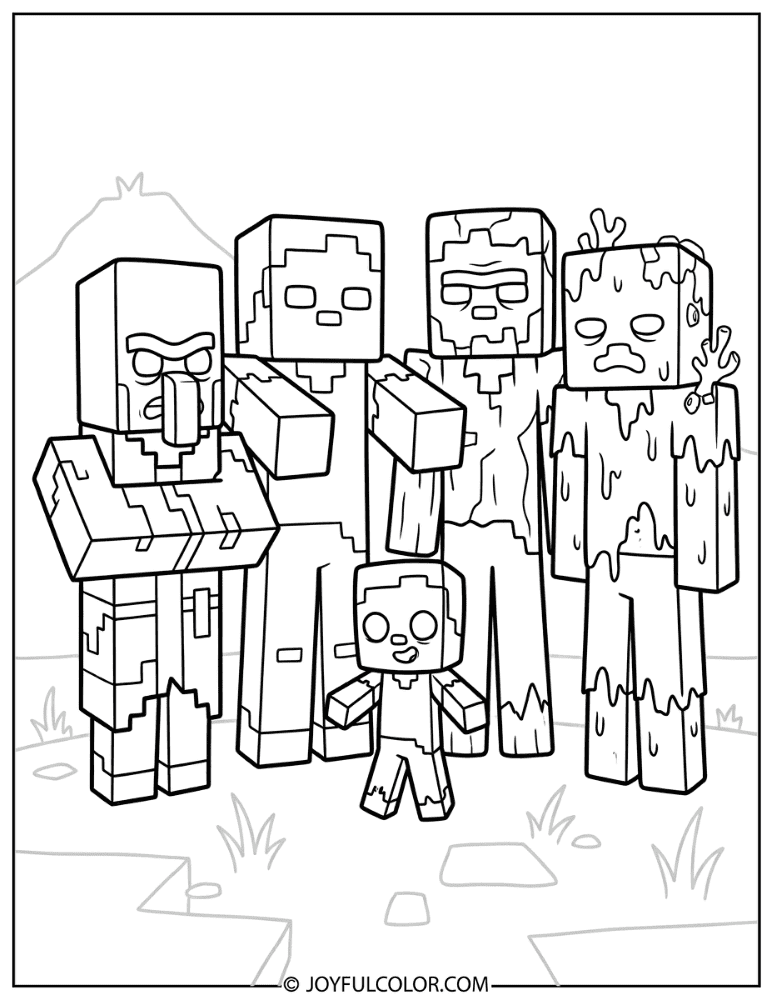
Zombie in Minecraft Scenes Coloring Pages
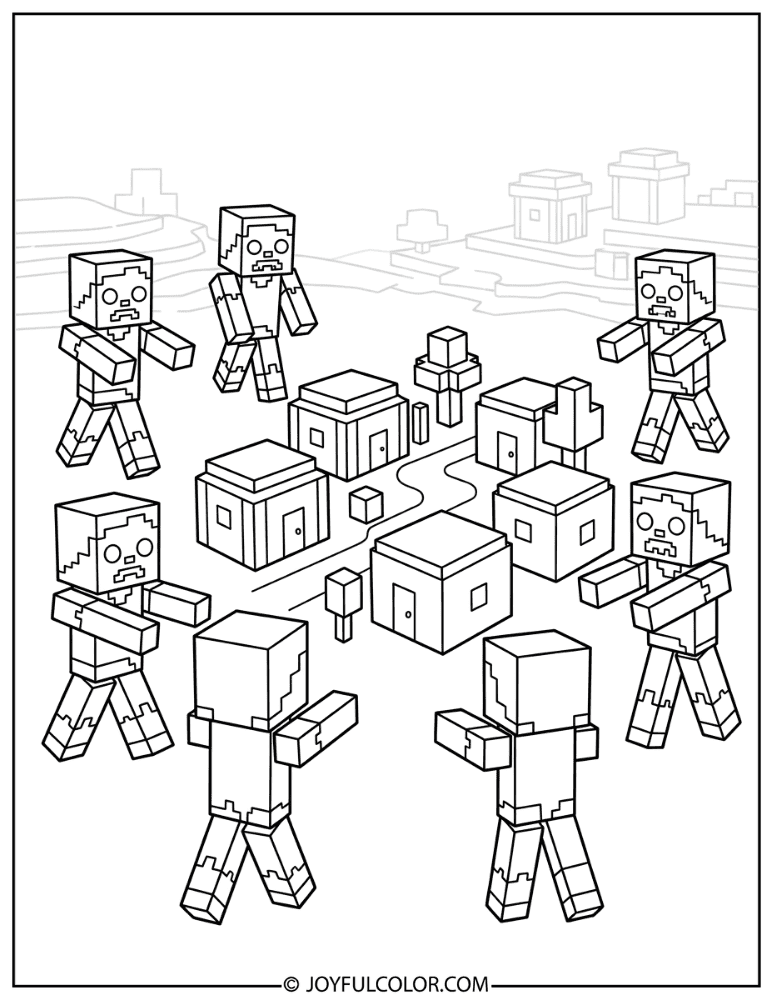
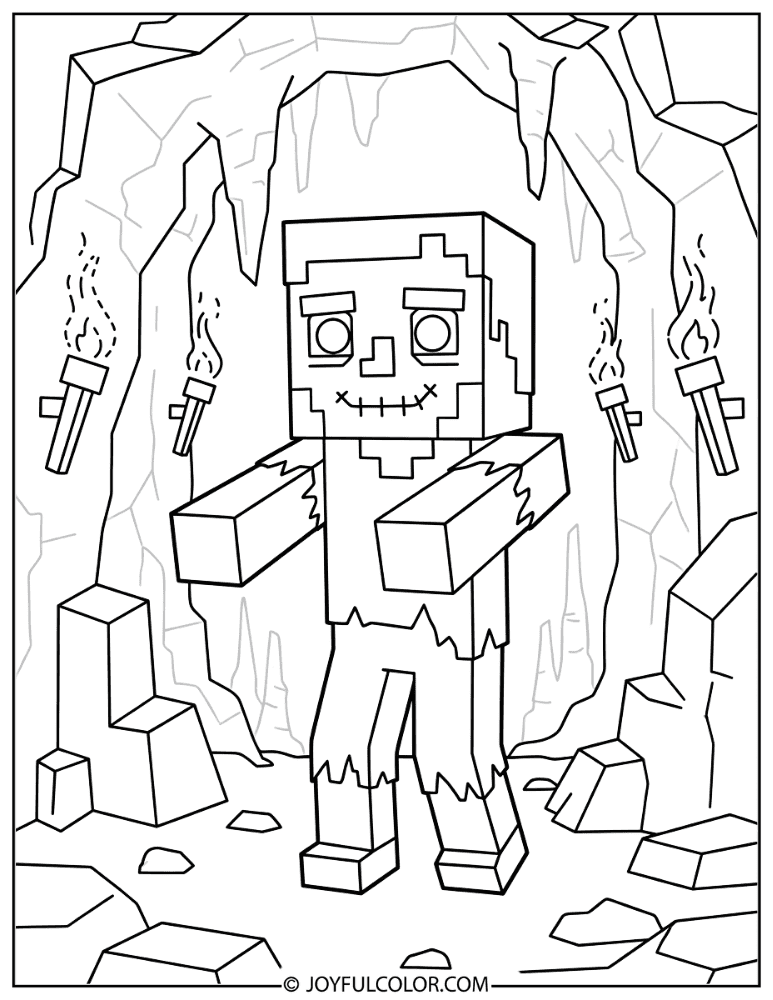
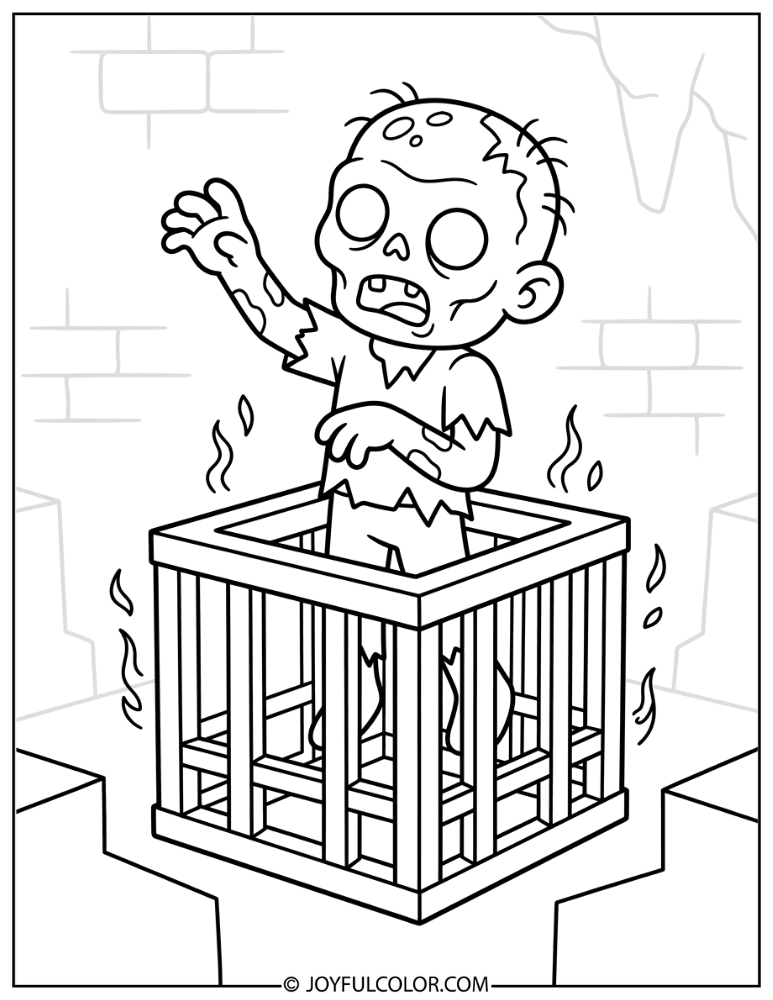
Color zombies directly in their natural Minecraft environments! These pages feature dark caves, nighttime villages, moonlit forests, and spooky dungeon spawner rooms.
You can bring these scenes to life by adding glowing yellow and orange colors for torchlight against the dark backgrounds!
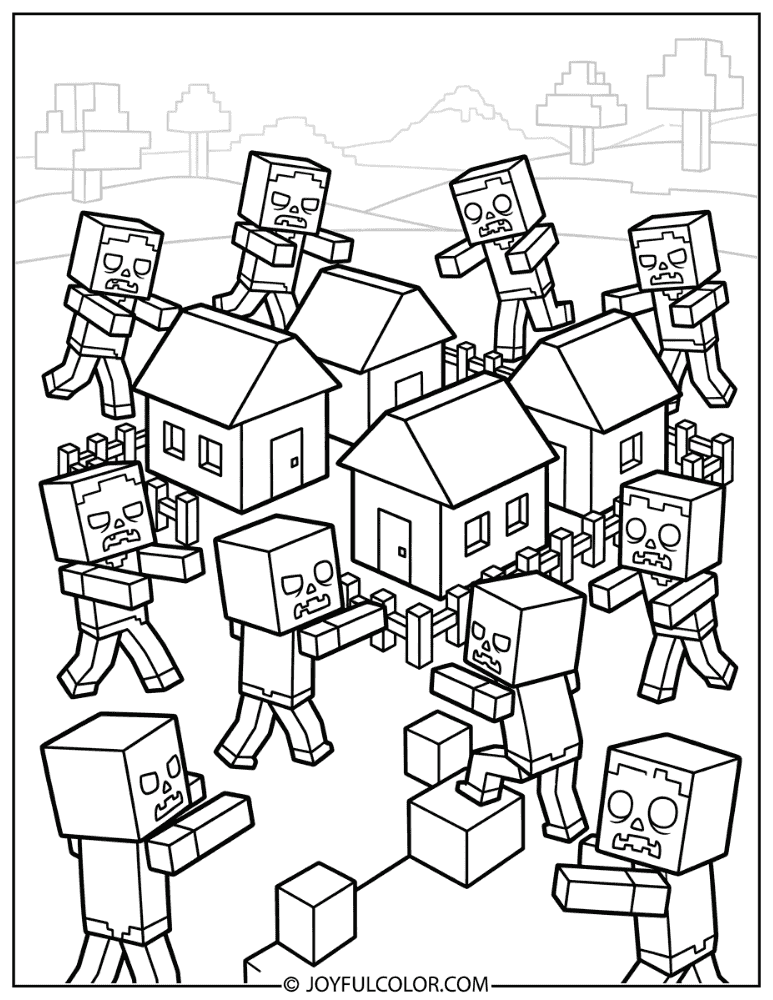
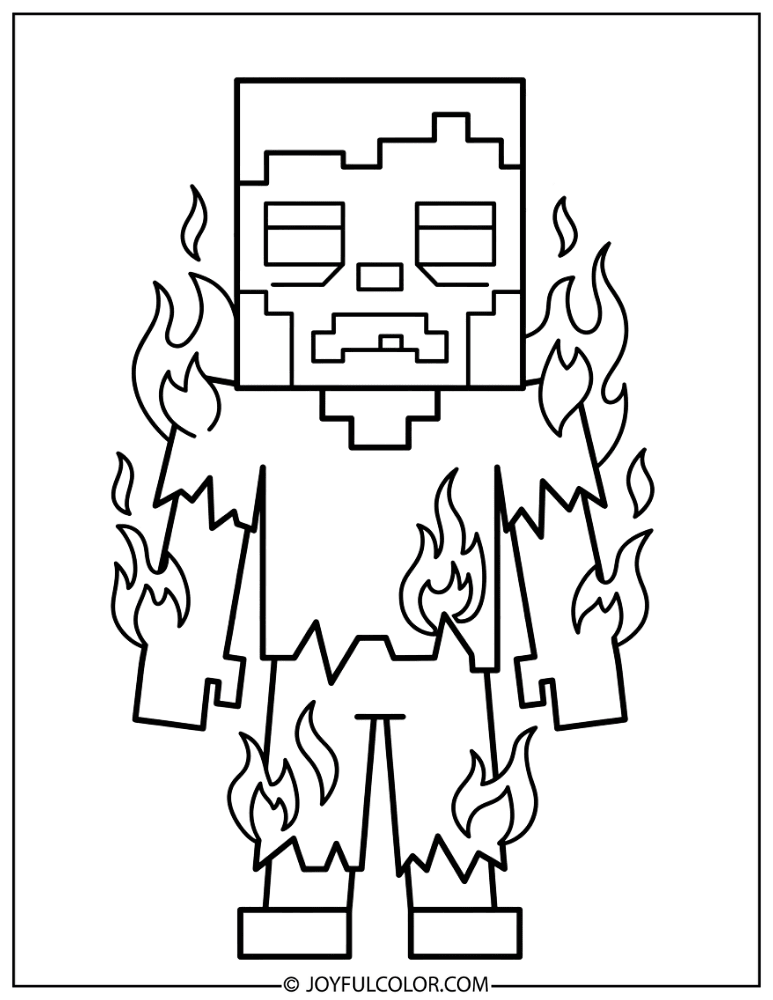
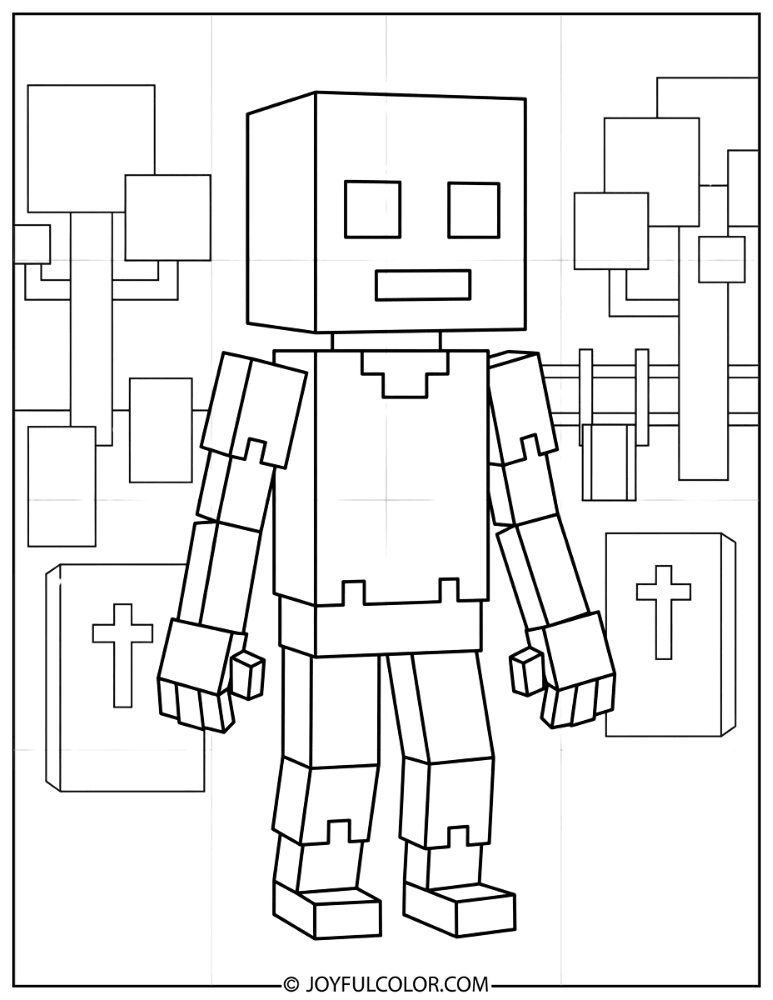
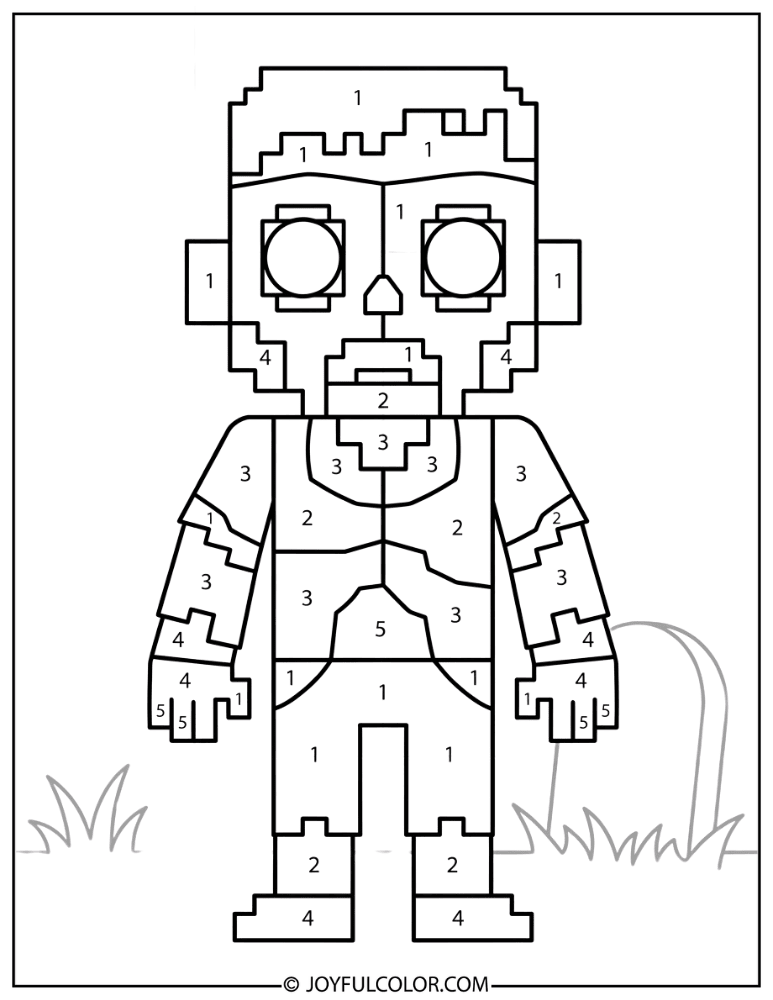
Easy Minecraft Zombie Coloring Pages for Kids
We created simple designs with thick outlines, large coloring areas, and minimal detail just for beginners! These easy minecraft zombie coloring pages for toddlers are perfect for preschoolers who love Minecraft.
They are a wonderful way to practice basic fine motor skills while having fun. Just like our popular Sonic coloring pages, they guarantee frustration-free creativity.
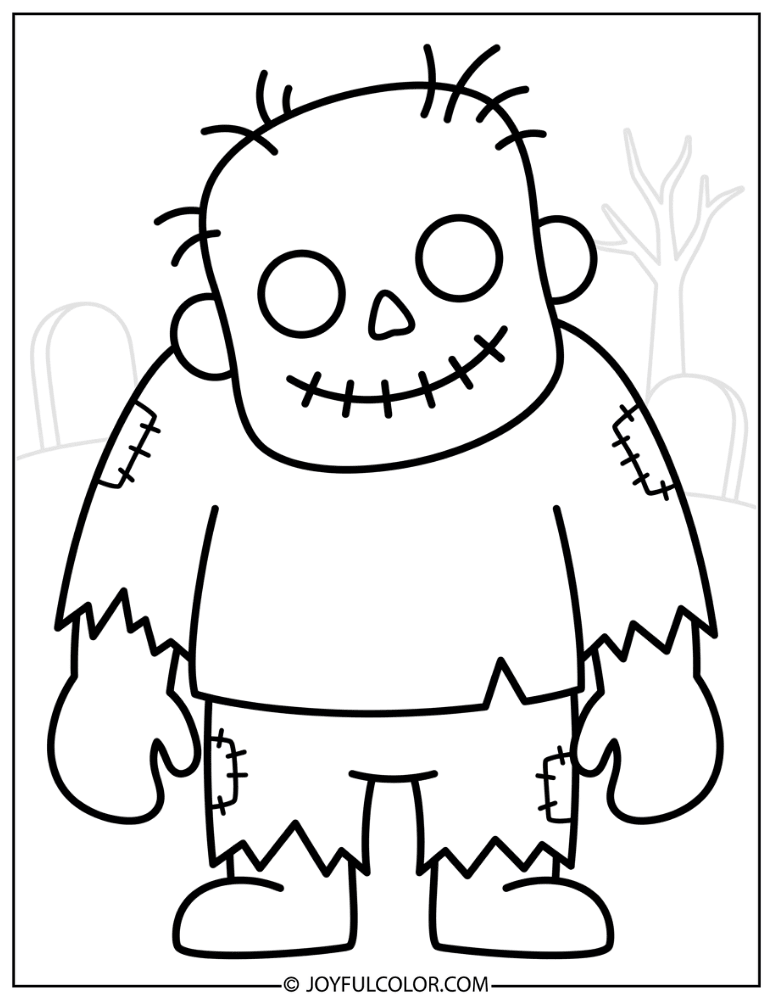
Detailed Minecraft Zombie Coloring Pages for Adults
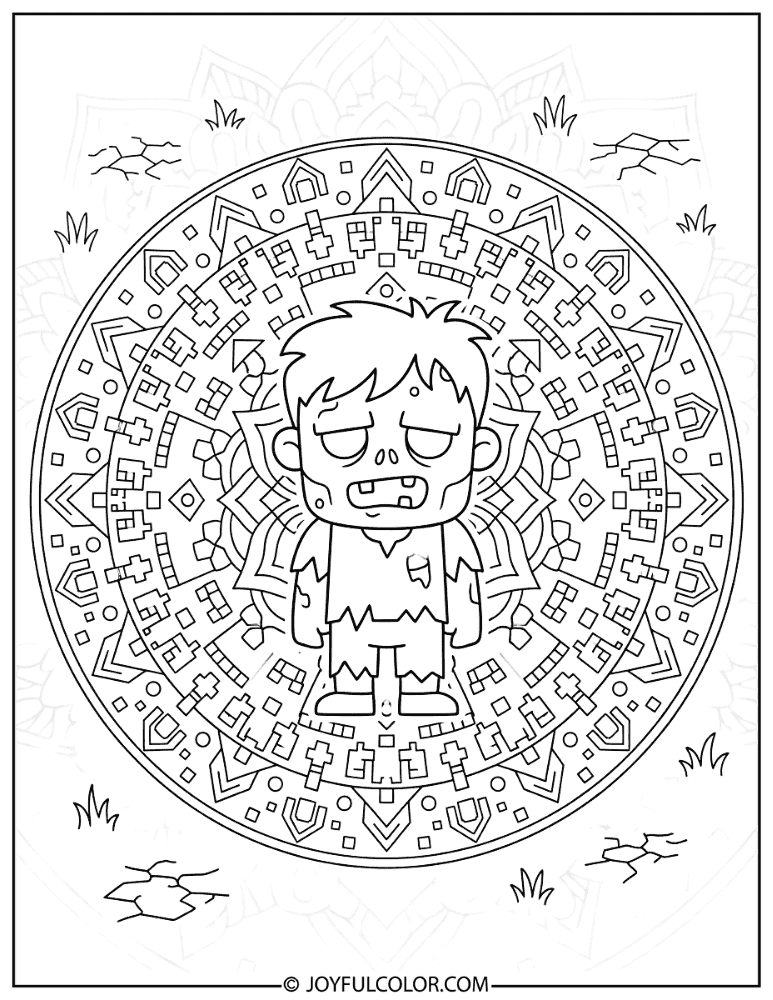
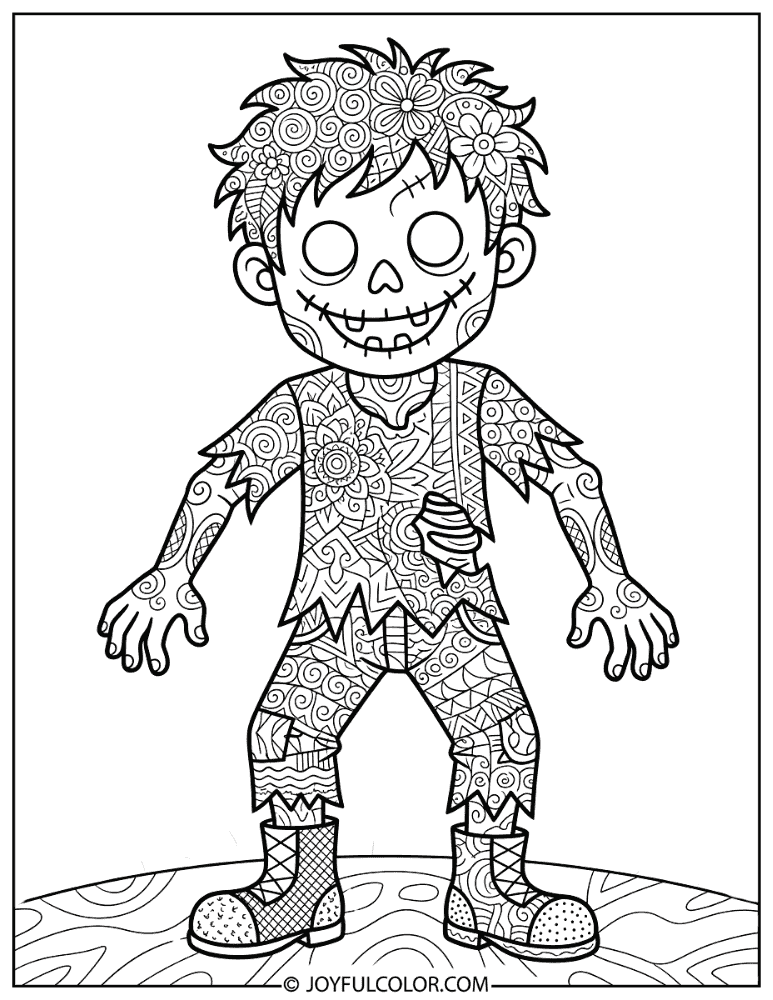
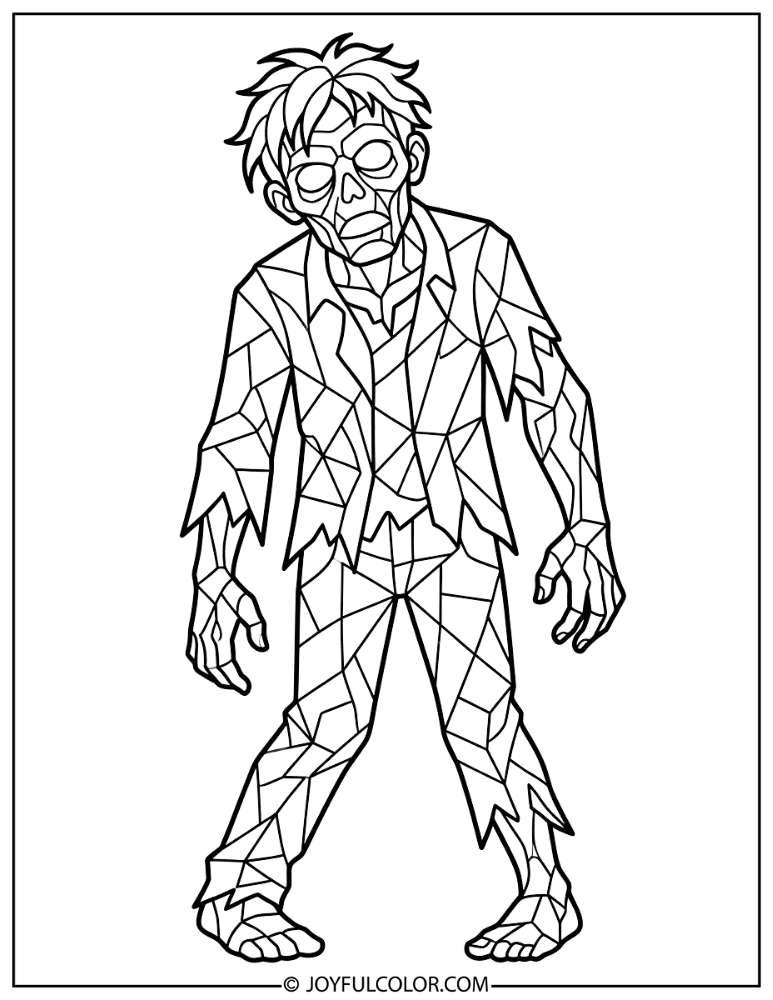
Discover complex, intricate designs featuring zombies with mandala patterns, zentangle fills, and mosaic details. These detailed minecraft zombie coloring pages for adults offer an awesome creative challenge!
Relax, unwind, and test your artistic skills as you fill in every tiny section of these beautifully artistic backgrounds.
Benefits of Minecraft Zombie Coloring Pages
Coloring isn't just a fun activity; it's a fantastic way for kids to develop essential developmental skills! Engaging with these blocky characters offers numerous educational benefits disguised as gaming fun.
From improving pencil control to exploring creative color choices, there is so much for young artists to gain. Here are the top benefits of coloring our favorite undead mobs!
-
Fine Motor Skills Development
Coloring the Zombie's blocky body, pixelated skin texture, and small clothing details helps children refine their hand-eye coordination. Tracing torn shirt seams and belt lines builds excellent pencil control for handwriting.
-
Creativity and Self-Expression
With multiple zombie variants to color, kids can explore vastly different color palettes on the same basic mob design. They can choose the green standard zombie, blue-green drowned, sandy husk, or colorful zombie villagers!
-
Screen-Free Minecraft Fun
These coloring pages let young gamers enjoy Minecraft's most iconic hostile mob without any screen time. They get to experience all the blocky adventure with none of the blue light exposure.
-
Game Knowledge and Vocabulary
Coloring different zombie types teaches kids Minecraft concepts in a hands-on, engaging way. They naturally learn vocabulary terms like "hostile mobs," "biomes," "zombie villagers," and "drowned."
-
Spooky Excitement Without Fear
Zombies are thrillingly spooky in-game, but on paper they become completely approachable and fun. This provides a safe way for younger kids to engage with the "scary" side of Minecraft.
-
Color Blending Practice
Recreating the Zombie's mottled green skin gives kids excellent practice in layering related color families. Blending patches of dark and light green with faded blue clothing teaches valuable artistic techniques.
How to Color a Minecraft Zombie Step-by-Step
Bringing a Minecraft Zombie to life requires the right mix of earthy greens and faded blues! By following a simple layering process, you can perfectly recreate that iconic pixelated look.
Whether you are using crayons or colored pencils, this guide will help your artwork look just like the game. Let's break down the coloring process step-by-step!
Start with a medium dark green, like olive green or sap green. Fill in all exposed skin areas on the head, arms, and legs, keeping the coverage even as a flat base layer.
Using a slightly darker green, add irregular pixelated patches across the skin to recreate the decaying look. Add some lighter green spots as well for authentic game variety.
Fill the eye sockets with a very dark green or near-black color. The zombie's eyes are dark and hollow, so leave no white highlights to keep that empty, undead stare.
Color the shirt in a faded cyan-blue or teal. This matches Steve's iconic shirt, but make it duller and more worn-looking to fit the zombie vibe.
Use a dark blue or indigo for the pants, making them slightly darker than the shirt. These mirror Steve's original dark blue pants, which are now tattered on the zombie.
With a slightly different shade or lighter stroke, add visible tear marks and frayed edges. Emphasize the worn spots on both the shirt and pants for that decayed appearance.
Add darker shadows along one side of the body, under the head, and between the limbs using a deep forest green. Press lightly and layer your colors for a realistic 3D blocky effect.
Use a gray or dark gray for the zombie's feet and shoes. Keep these colors slightly muted to keep the main focus on the green skin and blue clothing.
Add Minecraft-style background elements to set the spooky mood. Draw a dark nighttime sky, blocky moon, grass blocks, or cave walls with glowing torches!
Use a fine-tip black pen to darken outlines around the face, torn clothing edges, and shadow lines. Add a white gel pen for cool moonlight highlights or torch glow effects.
Minecraft Zombie Color Palette Guide
Choosing the right colors is the secret to making your zombie look authentic! The Minecraft color palette relies heavily on earthy, desaturated tones rather than bright neons.
Use these handy reference tables to pick the perfect shades for every part of your zombie. We've included the classic mob, unique variants, and other fun characters!
| Element | Official Color | Alternatives | Notes |
|---|---|---|---|
| Skin (base) | Dark Olive Green (#3E692D) | Sap green, moss green | Mottled/patchy texture, not uniform |
| Skin (dark patches) | Deep Forest Green (#274E13) | Hunter green, dark olive | Irregular decay spots |
| Skin (light patches) | Medium Green (#4F7B39) | Fern green, leaf green | Scattered lighter areas |
| Eyes | Very Dark Green/Black (#1D1D21) | Near-black | Dark, hollow, empty sockets |
| Shirt | Faded Cyan/Teal (#3AAFA0) | Muted teal, dusty blue-green | Same as Steve's shirt but duller |
| Pants | Dark Indigo Blue (#312E8C) | Dark navy, blue-violet | Darker than the shirt |
| Shoes/Feet | Dark Gray (#4C4C4C) | Charcoal, slate gray | Muted, understated |
Zombie Variant Colors
Want to color something different than the standard green mob? Use this quick guide for the coolest Minecraft zombie variants!
| Variant | Skin Color | Clothing | Special Feature |
|---|---|---|---|
| Standard Zombie | Dark olive green | Faded teal shirt, dark blue pants | Mottled green skin |
| Baby Zombie | Same as standard | Same as standard, scaled smaller | Oversized head proportionally |
| Zombie Villager | Dark olive green | Profession-specific tattered robes | Retains villager clothes |
| Drowned | Blue-green / Teal (#0E8E7E) | Tattered dark clothing | Seaweed patches, underwater glow |
| Husk | Sandy Tan / Brown (#8B7D6B) | Sandy brown tattered clothes | Dried-out, sun-bleached look |
Related Characters Quick Color Reference
If you are coloring an epic battle scene, you'll need the colors for other mobs too! Here is a quick cheat sheet for popular Minecraft characters.
| Character | Main Colors |
|---|---|
| Steve | Blue teal shirt, dark blue pants, brown hair, light skin |
| Creeper | Mottled green body, black frowning face |
| Skeleton | Light gray bones, dark gray skull hollows, bow and arrow |
| Spider | Dark brown/black body, red eyes |
| Enderman | Black body, purple eyes, purple particles |
| Iron Golem | Light gray body, green vine patches, red eyes |
Tips for Coloring Minecraft Zombie
Want your artwork to look like a true gaming masterpiece? We have gathered the best tips and tricks for coloring your undead mobs.
By keeping these simple techniques in mind, your zombie pages will jump right off the page. Let's make your artwork pixel-perfect!
Green Skin, Not Monster Green: The Minecraft Zombie's skin is a dark, muted olive-forest green—not neon or lime green. Use earthy, desaturated greens for an authentic game-accurate look, and save the brighter greens for the Creeper!
Try Every Variant: Don't stick to just the standard zombie! Color a blue-green Drowned with seaweed, a sandy tan Husk, or a profession-dressed Zombie Villager to practice completely different palettes.
Tattered Clothing Texture: For torn clothing, color the base shirt and pants first. Then, use a slightly lighter shade or leave small uncolored gaps along edges to simulate rips and frayed fabric.
Dark, Hollow Eyes: The zombie's eyes should be very dark, nearly black with a slight green tint. Resist the urge to add white eye highlights; the empty, lifeless look is what makes the zombie spooky!
Layer Greens for Depth: Start with the lightest green as your base, then add medium green over most of the skin. Apply dark green in the shadows under the head and between limbs to create convincing 3D depth.
Build a Nighttime Background: Zombies spawn in the dark! Add a dark blue or black sky with a pixelated moon, torch-lit buildings, or gray cave walls to place your zombie in its natural habitat.
Creative Minecraft Zombie Coloring Ideas
Looking for some inspiration before you start coloring? There are so many amazing scenes you can create with these printable pages.
Try imagining a whole story behind your artwork. Here are some of our favorite creative scenarios to bring to life!
Zombie Siege at Midnight: Color a horde of zombies breaking down wooden doors as they pour into a flickering torch-lit village. Add a terrified villager peeking through a nearby window!
Chicken Jockey Race: Picture three baby zombies riding chickens at full speed across a grassy field. Give each one different armor pieces as they race toward a confused Steve.
Zombie Villager Cure: Create a touching scene of a zombie villager mid-transformation. Surround them with golden sparkle particles while a player holds a golden apple and splash potion nearby.
Drowned Deep Dive: Color a Drowned zombie standing on the ocean floor surrounded by coral reefs and tropical fish. Have its trident raised and ready to throw at a passing boat overhead!
Sunrise Scramble: Show several zombies scrambling for shelter as the Minecraft sun rises over the horizon. Have some already starting to catch fire, casting dramatic orange light across the scene.
Husk Desert Wanderer: Color a lone Husk trudging across an endless desert biome at high noon. Add sand dunes, dead bushes, and a desert temple visible in the shimmering background.
Best Coloring Tools for Minecraft Zombie Pages
The tools you use can totally change the look of your finished masterpiece! Different mediums work better for different age groups and artistic styles.
Whether you want bold blocks of color or intricate shading, here is our guide to the best supplies. Pick your favorite and start creating!
| Tool | Best For | Why We Love It |
|---|---|---|
| Crayons | Young kids (ages 3–6) | Easy to grip with wide coverage for the zombie's large blocky body sections. |
| Colored Pencils | Detail work (ages 6+) | Precise tips for mottled skin texture, torn clothing details, and pixelated features. |
| Markers | Bold, vibrant fills | Rich greens and blues that pop; great for filling large body areas quickly! |
| Gel Pens | Special effects | Perfect for glowing torch effects, moonlight highlights, and underwater shimmer. |
| Metallic Pencils | Armor and gear | Creates a realistic gold and iron metallic sheen for armored zombies! |
Minecraft Zombie Fun Facts for Coloring Fans
Did you know that the zombie is one of the oldest characters in the entire game? There is so much amazing lore behind this groaning green monster.
Read these awesome trivia facts while you color to become a true Minecraft expert. You can even quiz your friends!
🧟 Did You Know?
- The Minecraft Zombie was one of the first hostile mobs added to the game, appearing in a pre-alpha update in 2009!
- The Zombie wears the exact same outfit as Steve—the same teal shirt and dark blue pants—but with green, decaying skin.
- Zombies only have a tiny 5% chance of spawning as baby zombies, which are much faster and can fit through 1-block gaps!
- Baby zombies can spawn riding chickens, creating the hilarious and terrifying "Chicken Jockey" combo.
- If a zombie's head is submerged in water for 30 seconds, it transforms into the aquatic Drowned variant.
- In desert biomes, 80% of zombies are replaced by Husks—a sun-bleached variant that doesn't burn in daylight!
- Zombies can pick up items and wear armor they find on the ground, making them significantly tougher to defeat.
- Zombie Villagers retain their profession clothing and can be cured back into regular villagers using a Splash Potion of Weakness and a Golden Apple!
Minecraft Zombie Coloring Pages by Difficulty Level
We designed this collection to have something perfect for every skill level. From simple preschool outlines to complex adult designs, everyone can join the fun.
Check out our difficulty guide below to find the perfect starting point for your coloring adventure!
| Difficulty | Best For | Page Features |
|---|---|---|
| Easy (Ages 3–5) | Toddlers and preschoolers | Thick outlines, simple block shapes, large coloring areas, and minimal detail. |
| Medium (Ages 6–10) | School-age kids | Standard poses with mottled skin texture, background elements, variant zombies, and duo scenes. |
| Hard (Ages 11+ & Adults) | Teens and adult colorists | Intricate mandala/zentangle fills, complex multi-mob battle scenes, and detailed artistic backgrounds. |
Frequently Asked Questions
Do you have questions about downloading or coloring our pages? We have answers to help you get the best experience possible!
Browse our FAQ section below for tips on printing, coloring techniques, and classroom use.
Are these Minecraft Zombie coloring pages free?
Yes! All Minecraft Zombie coloring pages on JoyfulColor.com are completely free to download, print, and color. You can print as many copies as you need for personal use at home, school, or Minecraft-themed parties—no hidden fees and no strings attached!
What colors do I need for a Minecraft Zombie?
The core colors you need are dark olive green for the skin base, a darker forest green for mottled patches, faded teal for the shirt, dark navy blue for the pants, and black for the eyes. For zombie variants, you'll also want blue-green for the Drowned and sandy tan for the Husk!
What age are Minecraft Zombie coloring pages suitable for?
Our collection spans all ages! The "Easy" pages with thick outlines are perfect for toddlers ages 3–5. Standard detail pages with action scenes are ideal for kids ages 6–10, while our intricate mandala and zentangle designs are made for older kids, teens, and adults.
How do I color the Zombie's mottled skin realistically?
The zombie's skin has a patchy, decaying texture. Start by laying down a medium olive green base, then use a darker green to add irregular square-shaped splotches across the skin. Keep the edges between patches crisp rather than blended to maintain the Minecraft pixel-art aesthetic.
How do I create a nighttime glow effect for zombie scenes?
Color the sky in dark blue or blue-black, then use a yellow-orange ring of color around any torches. Gradually blend the glow outward into the dark background, and use a white gel pen to add small moonlight highlights on the zombie's head and shoulders!
Can I use these coloring pages in my classroom?
Absolutely! These Minecraft Zombie coloring pages are ideal for classroom use. Teachers are welcome to print copies for students during art class, free time, or STEM activities as a fun, screen-free reward.
Do you have Minecraft Zombie and Creeper coloring pages together?
Yes! We have a dedicated section of Zombie and Creeper duo pages featuring both of Minecraft's most iconic hostile mobs. You can find them lurking in caves, chasing Steve, and prowling under the moonlight together.
Do you have other Minecraft coloring pages?
Yes! JoyfulColor.com has a massive library of Minecraft coloring pages featuring popular characters like the Creeper, Steve, Skeleton, Enderman, and Iron Golem. You can collect and color the entire game!
How do I print Minecraft Zombie coloring pages?
Just click the print button on any page you'd like! The images are formatted for standard US Letter (8.5" x 11") paper. For the best results, print on white cardstock to prevent marker bleed-through and make your finished page look incredibly vibrant.
Conclusion
This collection of over 45 free printable Minecraft Zombie coloring pages covers every scenario a fan could dream of! From classic standing poses to baby zombies, drowned, and husks, there is endless blocky fun waiting to be colored.
Coloring these pages helps kids develop fine motor skills, practice color blending, and enjoy their favorite game in a healthy, screen-free format. Even adults will find a relaxing challenge in our detailed mandala designs!
Download your favorite pages now, grab your greens and dark blues, and bring Minecraft's most famous undead mob to life! When you're done, be sure to explore our fast-paced Sonic coloring pages or train new friends with our awesome Pokemon coloring pages.
Happy coloring, Minecraft survivors! 🧟💚